What Job Lab is and how it earns
What the kit builds, how the board fills itself, the four ways it takes money, what it needs to run and what is not in it.
Updated 9 Oct 2026 · written for Job Lab 1.1.0
On this page
Job Lab is a website you run yourself: a job board for one niche, such as climate work, cybersecurity or nursing. It collects jobs from other sites on a schedule, gives every job, company, skill and location its own page, and lets employers post jobs and pay you. You control all of it from the admin at /admin.
Who it is for#
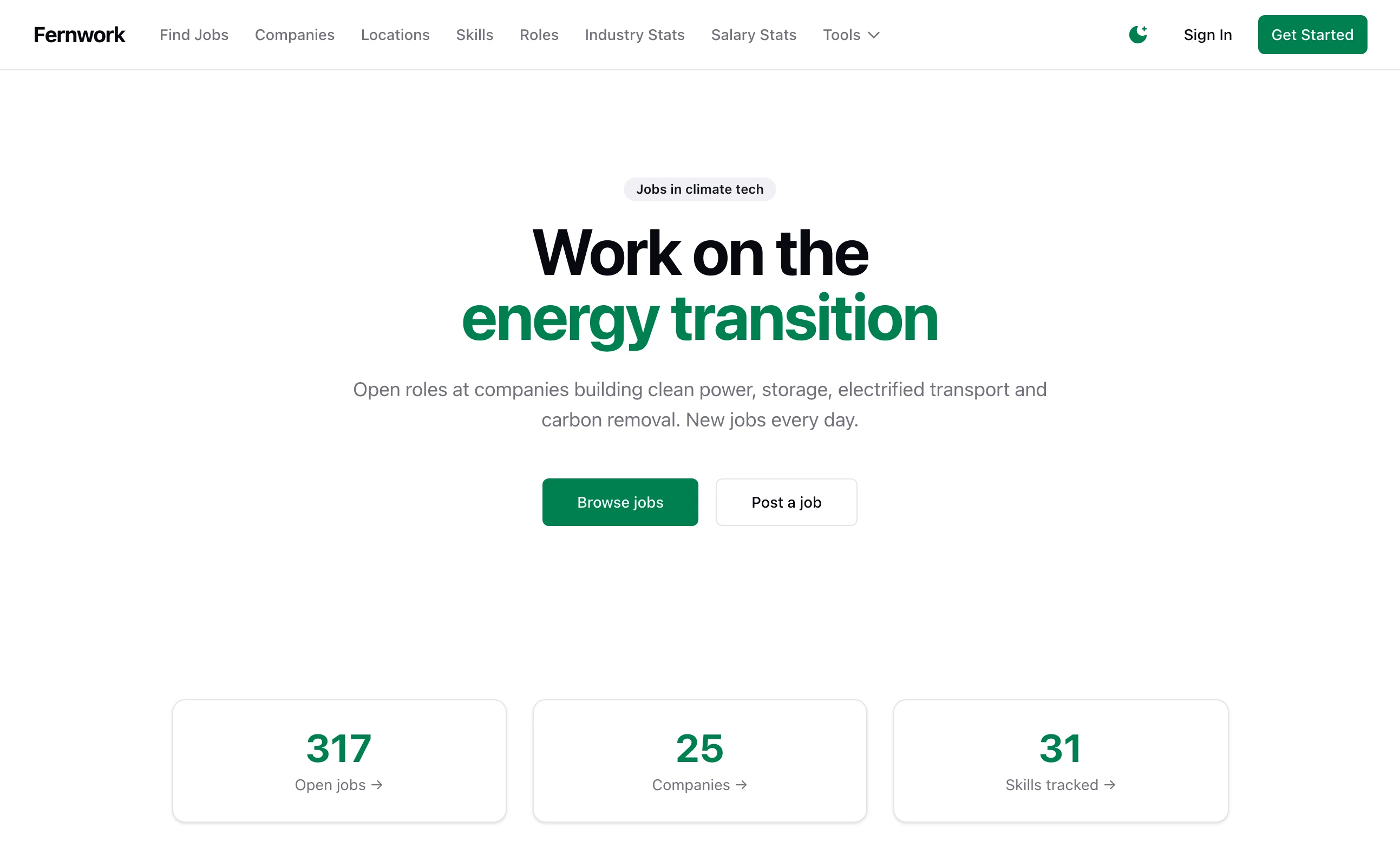
Job Lab is for someone who wants to run a job board as a small business. You pick a niche, choose where the jobs come from and decide what you sell.
You do not need to be a developer. Day to day you work in the admin. Installing the site and putting it on a server are done with terminal commands, and the guides give each command exactly.
How the board fills itself#
A new board has no employers, so Job Lab starts with listings that are already public. You add sources: job feeds, job search services and the hiring pages of single companies. Each source is fetched on its own schedule, every six hours unless you change it. Add job sources covers them.
Every job a source sends goes through the same steps:
It lands in the Raw Jobs Queue.
Its text is cleaned up.
It is checked against your Board Scope: a remote-only switch, a list of include keywords and a list of exclude keywords. A job outside the scope is rejected, and the queue shows why.
A job that is already on the board is marked as a duplicate.
What is left is matched to a company, which is created if it is new, and given a structured location, skills and a role.
It is published and added to search. Your moderation rules run last and can hold a job back as a draft.
An imported job expires 45 days after it arrived, unless you change that number. Board scope and the raw jobs queue explains the filter.
The rest runs on a schedule too. Expired jobs are closed every hour, job alerts are checked every 15 minutes, the market statistics are worked out again every four hours and landing pages are generated once a day.
What a job seeker sees#
A job seeker needs no account to browse.
The job search has a search box and filters for type, level, remote, salary, location, skills and role.
Every job has its own page. So does every company, skill, role and location, and there are pages of market statistics and salary tools built from the jobs on the board.
With an account they can apply, save jobs and searches, keep a résumé and get job alerts by email.
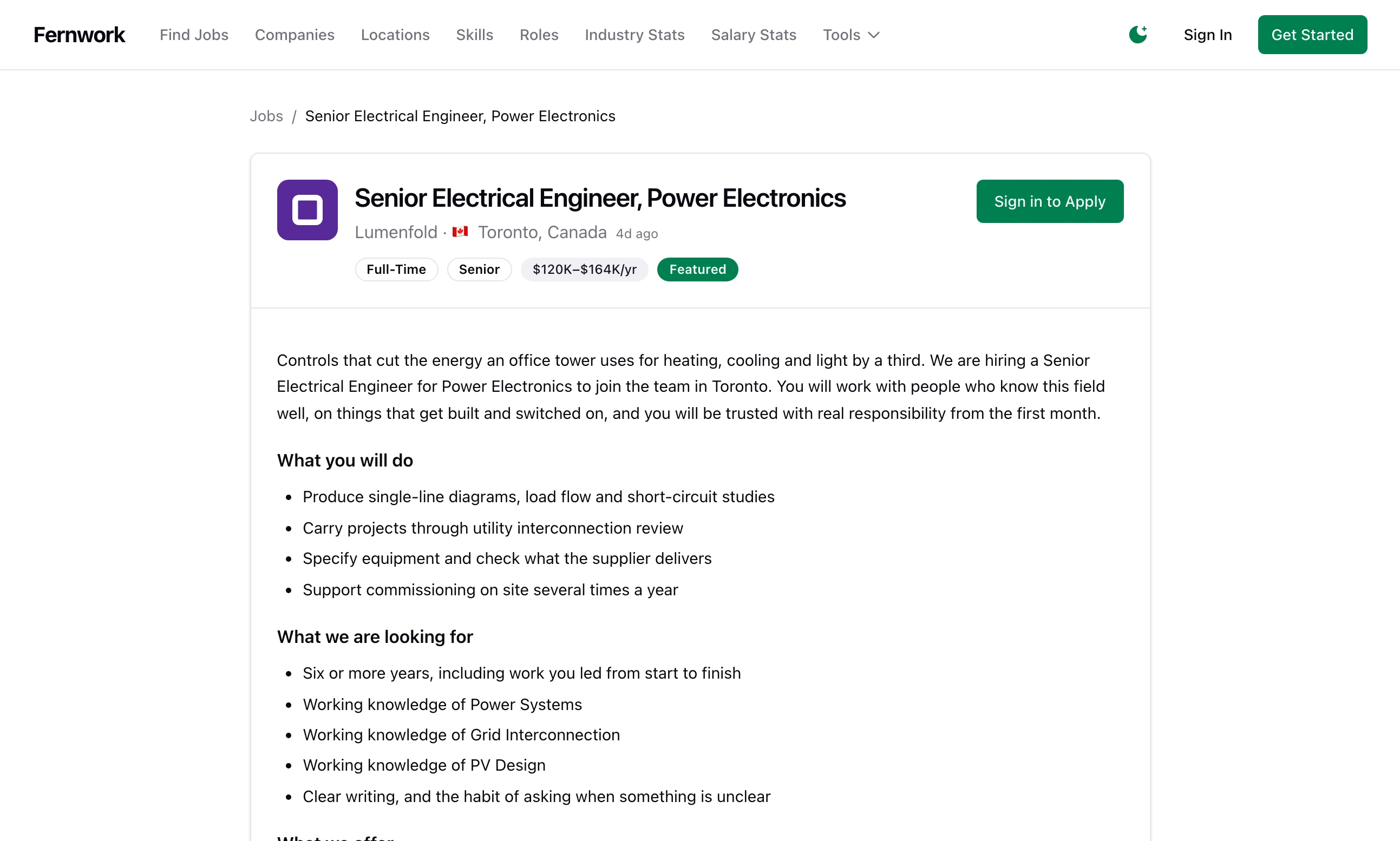
To apply, a job seeker has to sign in, and their email address has to be verified.
What an employer sees#
An employer starts from Post a job on your site, which leads through three steps: an employer account, a company profile and the job itself. They then have their own dashboard at /employer, with tabs for Dashboard, Applications, Post a Job, Analytics and Billing.
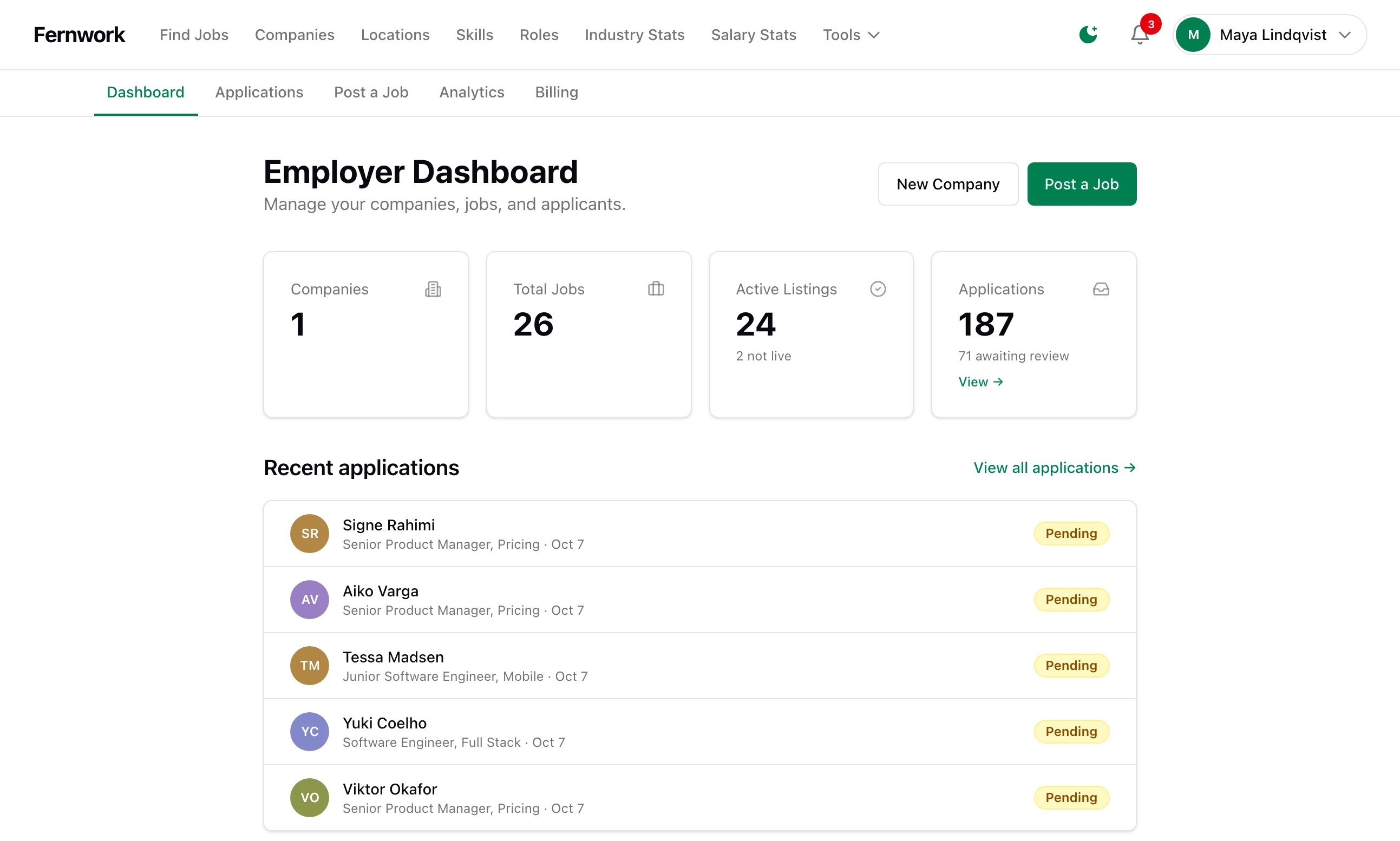
Applications to their jobs arrive on a board with a column for each stage. Billing is where they choose a plan and buy featured placements. A job an employer posts goes through the same Board Scope check and moderation rules as an imported one.
What an advertiser sees#
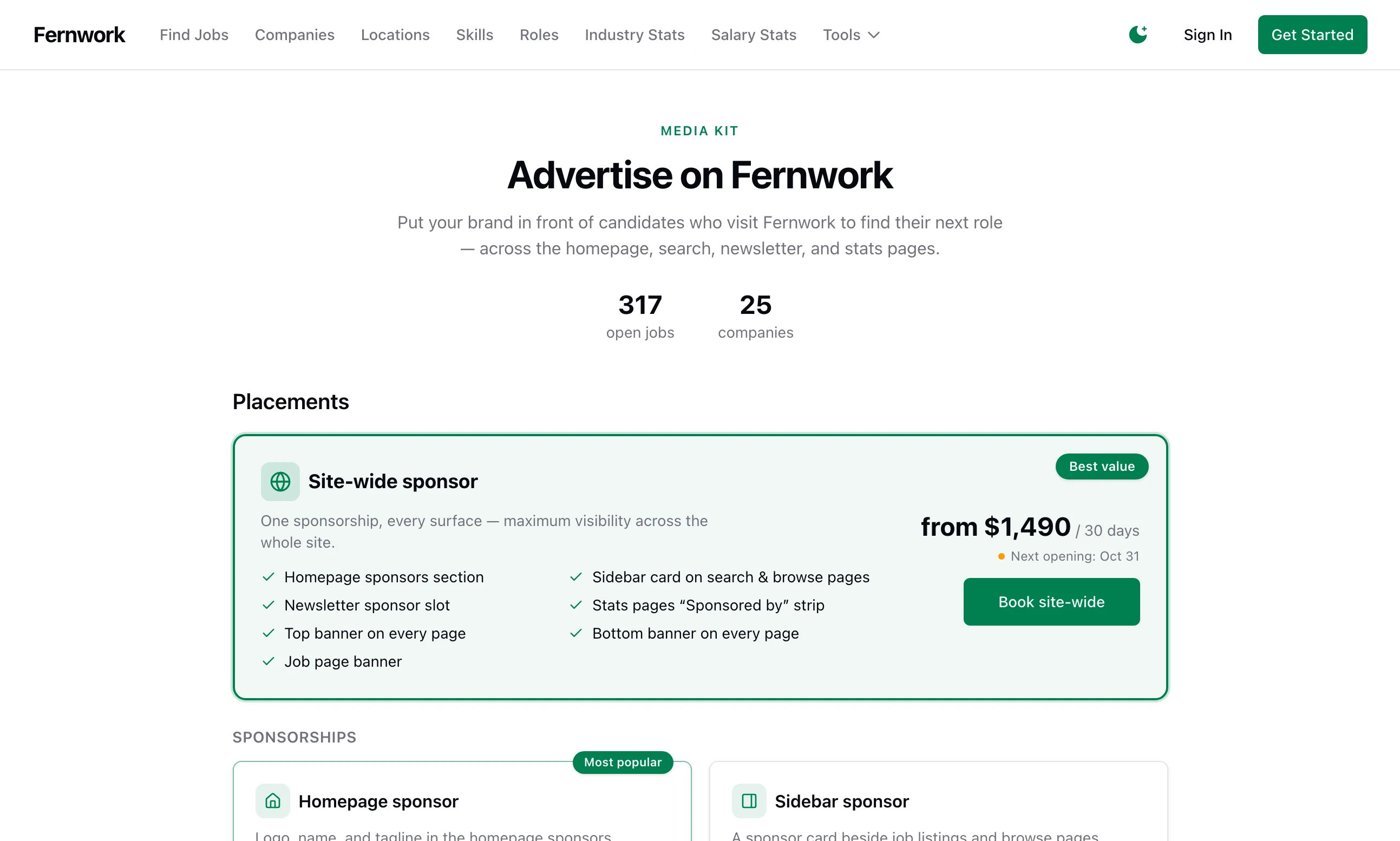
Your site has a page at /advertise that anyone can read. It lists the placements you have put on sale, with prices and when each is next free. To book one an advertiser signs in to an account, uploads their logo or banner and pays by card.
What you see#
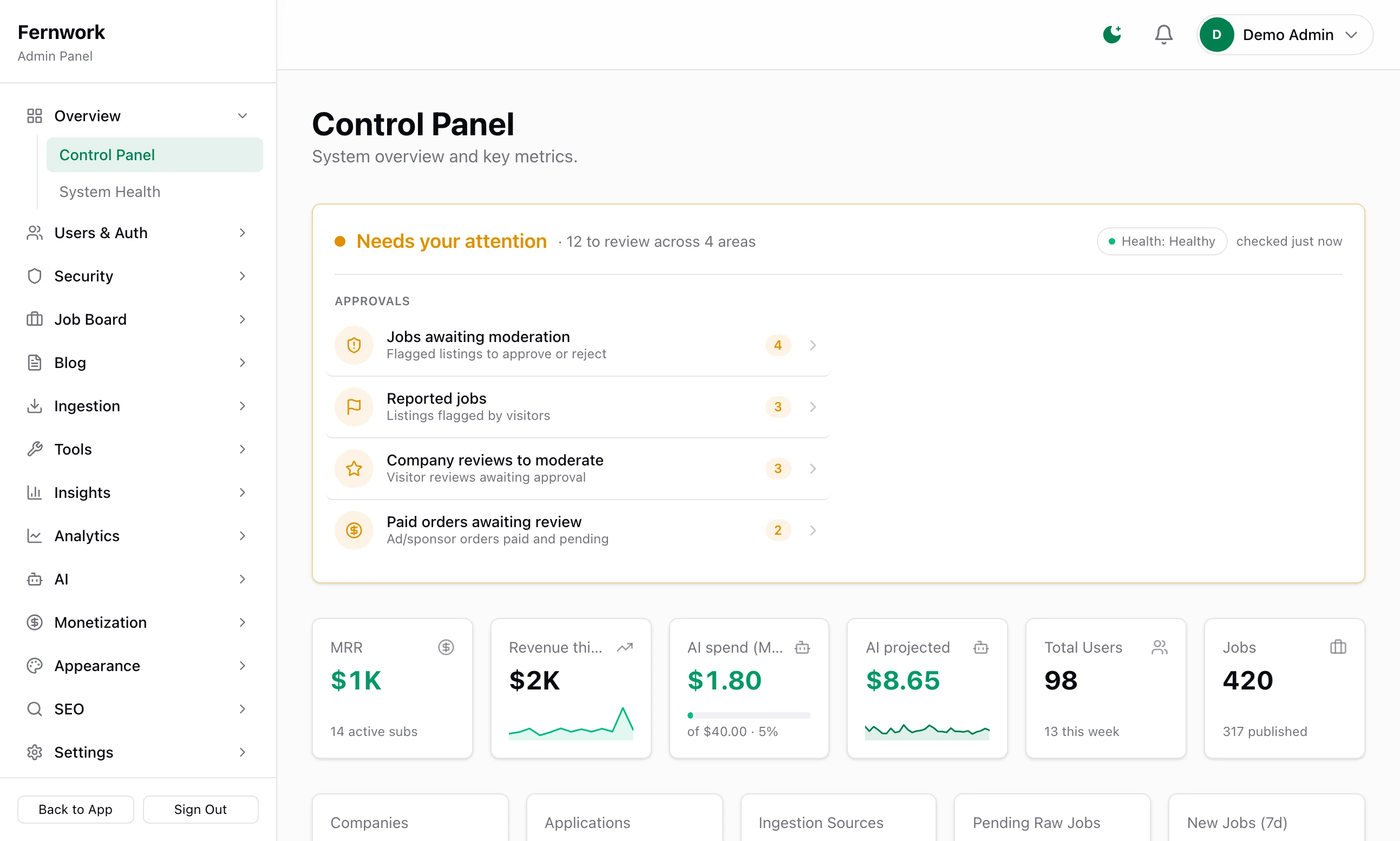
You sign in and open /admin. The first screen is the Control Panel. It shows what is waiting for a decision from you and whether the system is healthy, above totals for revenue, AI spend, users and jobs. A sidebar leads to every other screen. A tour of the admin goes through it.
The four ways it earns#
| What you sell | Who pays | Where you set it up |
|---|---|---|
| Employer plans | An employer pays a monthly subscription to post more jobs. | Monetization, then Plans |
| Featured jobs | An employer pays to put one job at the top. | Monetization, then Featured Jobs |
| Advertising | An advertiser books and pays for a sponsor placement or a banner. | Monetization, then Advertising Orders |
| Sponsors and ad networks | A sponsor pays you directly, or Google pays you for adverts. | Monetization, then Sponsors and Advertising |
Employer plans. The first time the site starts it creates four plans: Free, Starter at 29 a month, Professional at 79 and Enterprise at 199, in your site currency. Each sets how many jobs an employer may post in a rolling 30 days and how many applications each job accepts. You change the names, prices and limits. The Free plan cannot be switched off and allows three posts a month to begin with, so plans earn only from employers who need more than you give away. See Sell employer plans.
Featured jobs. A featured job is pinned to the top of search and can appear in the featured section of the home page. An employer pays for one placement, uses a credit that came with their plan or buys a bundle of credits. You set the price, the length and the bundles. It takes the least setting up of the four, and it is worth little until the board has enough visitors for the top of the list to matter. See Featured jobs and credit bundles.
Advertising. The page at /advertise is a shop. It can sell eight placements. One is a site-wide sponsorship. Four are sponsor spots: on the home page, in the sidebar, in the newsletter and on the statistics pages. Three are banners: at the top of every page, at the bottom of every page and on job pages. Nothing is on sale until you tick a placement and price it. A paid order waits for your approval, and rejecting it refunds the buyer. See The advertising shop.
Sponsors and ad networks. A sponsor you find yourself is added by hand, with a logo, a link, dates and placements. Job Lab shows it and takes no payment: you invoice the sponsor yourself. You can also paste in the code from Google AdSense or another ad network, and that network pays you. See Sponsors, banners and AdSense.
Plans, featured jobs and advertising orders are paid by card through Stripe, into your own Stripe account. See Connect Stripe.
What it needs to run#
Job Lab is a Node.js application with four services behind it. On your own computer Docker starts the four services with one command. See Install Job Lab on your computer.
| Part | What it is for |
|---|---|
| Node.js 22 | Runs the site itself. |
| PostgreSQL | The database. Jobs, companies, accounts, settings and payments are all here. |
| Redis | Runs the background work: fetching sources, sending email and every scheduled task. It also counts failed sign-ins for the lockout. |
| Meilisearch | The job search. If it is down, search falls back to the database and is slower. |
| File storage | Holds the images you upload to blog posts. MinIO on your own computer, or any S3-compatible storage. |
What is optional#
The board runs with none of these. Each is switched on by saving a key in the admin.
AI. With a key from Anthropic or OpenAI, or your own Ollama server, the board tidies its skills, roles and locations, describes companies, flags spam and tunes its keywords. Every call is metered against a monthly budget. See AI: providers, curation and cost.
Stripe. Needed to take payments.
Email. Any SMTP provider. Needed for verification emails, password resets, job alerts and the newsletter. See Email that arrives.
Telegram. A bot that sends you alerts and lets you approve things from your phone. See Telegram alerts and Google sign-in.
Google. Sign-in with Google for your visitors, and Analytics and Search Console figures inside the admin.
What is not in it#
These are not in version 1.1.0, or are in the admin and do nothing yet.
No charge for a single job post. An employer posts within the monthly allowance of their plan. There is no way to charge a fee for one post. The paid extra for one job is a featured placement.
No job import from a file. Jobs arrive from sources or are typed in by employers. The CSV files in the admin are exports, of statistics and of newsletter subscribers.
No CAPTCHA. Sign-up and sign-in are protected by rate limits and by locking an account after repeated wrong passwords.
No posting to social media or to the press. Distribution under Insights lists newsletter subscribers and a log. Its social and press channels write a line in the log and do nothing else.
API keys that nothing checks. API Keys under Settings creates and revokes keys. No part of the site accepts one, so a key gives its holder nothing.
Three plan features that are not built. On Plans, the tick boxes Custom branding, API access and Resume database access are each marked "Not built yet — hidden from customers". Ticking one changes nothing an employer sees or can do.
Where to go next#
- Install Job Lab on your computerStart the services and the site, and reach the setup wizard.
- The setup wizard, step by stepNine steps from an empty board to one with jobs on it.
- Connect StripeNeeded before you can sell a plan, a featured job or an advert.
Can I run it without selling anything?
Yes. With Stripe not connected, no advertising placements ticked and no sponsors added, the site is a free job board. Employers post within the Free plan.
Do employers have to pay to post a job?
No. The Free plan lets an employer post three jobs in a rolling 30 days until you change it. They pay only for a bigger plan or a featured placement, if you sell them.
Can one board cover more than one niche?
It is built around one. The niche is set by the Board Scope keywords and by two words that frame the search pages, such as "climate" and "jobs". A board with no include keywords accepts every job its sources send, which makes a general board.
Do I need an AI key?
No. Without one, skills, roles and locations are still matched by the built-in rules, and you tidy them by hand in the admin. The setup wizard offers to add a key and can be told to skip it.
Where does the money go?
Into your own Stripe account. Job Lab takes no share, and no payment passes through anyone else.
Stuck on a step? Send a message.