How the data pipeline works
The five steps from an empty directory to a full one, which of them must be run on your own computer and which outside accounts each one needs.
Updated 7 Oct 2026 · written for Local Lab 1.2.1
On this page
Local Lab fills a directory in five steps, each on its own screen under Quick Actions: Google Places finds the businesses and writes a file, Claude AI improves the wording in that file, Import CSV loads it, Get Maps on Listings adds map pins to rows that have none, and you approve what came in.
What passes between the steps is an ordinary CSV file with the column names the importer reads. You can open it in a spreadsheet at any point, correct it or skip a step. A file from anywhere else, in the same format, goes in at step 3.
The five steps#
Step 1: Find businesses with Google Places
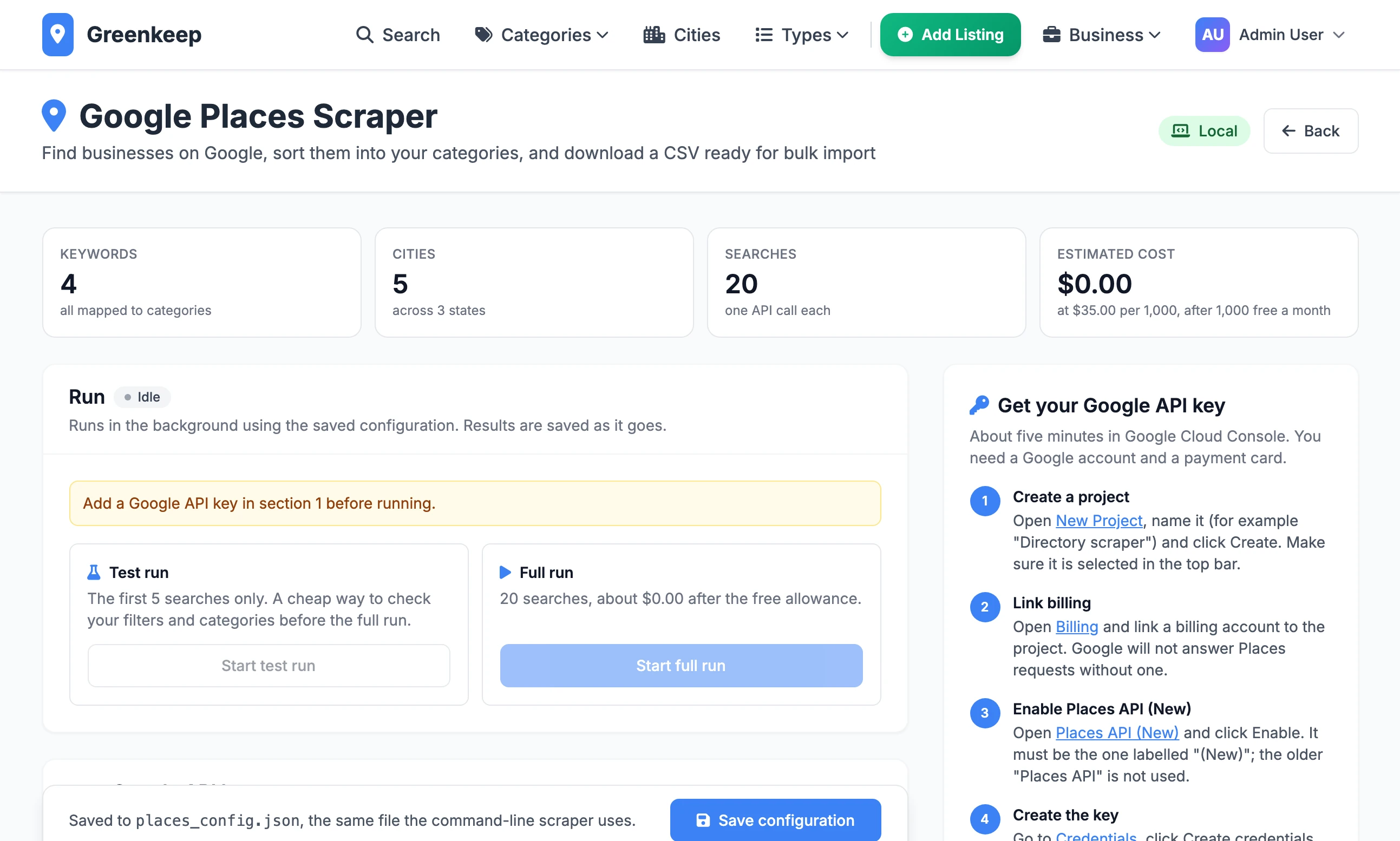
You give it search phrases and cities. It asks Google for each phrase in each city and drops the results you do not want. It then visits each business's website for an email address, social links and a description. The result is saved as a CSV file.
Step 2: Improve the wording with Claude
You upload that file. For each business Claude writes a new description and up to five selling points, and you get the same businesses back as a new file with those columns filled in. This step is optional.
Step 3: Import the file
Import CSV turns each row into a listing. Cities, categories and types that are new are created as it reads.
Step 4: Add map pins
Rows that came with a latitude and longitude already have a pin. A Google Places file has them. For rows without, open Listings, the No Maps tab, select the rows and click Get Maps.
Step 5: Approve
Unless you ticked Auto Approve on the import page, the new listings are waiting on the Pending Approval tab of Listings. Select them and click Approve.
What runs where#
This is the part that catches people. Two of the five steps belong on your own computer, not on the live site.
| Step | On your own computer | On the live site |
|---|---|---|
| Google Places | Yes | Refuses to run. You can edit and save the settings, nothing more. |
| Claude AI | Yes | Not locked, but it will not finish. See below. |
| Import CSV | Yes | Yes |
| Get Maps | Yes | Yes |
| Approve | Yes | Yes |
Google Places checks how the site was started. When the setting FLASK_ENV is production, which is what the kit's deploy script and server settings files set, the page shows a Production badge and the notice "Running is disabled in production", the run buttons are greyed out, and a run that is asked for anyway is answered with "The scraper can only be run on a local development server, not in production." Test key is refused in the same way.
Claude AI has no such check, but it does all its work while your browser waits for one page to load. Each business takes two requests to Claude and then a pause of one second, so the pauses alone come to two minutes for 120 businesses, before any time Claude spends answering. The server files in the kit give a page 120 seconds: timeout = 120 in gunicorn.conf.py and proxy_read_timeout 120s in the nginx configuration. A file of a few hundred businesses does not come back in that time. Run it on your own computer, where nothing cuts the page off.
So the working pattern is:
Keep a copy of Local Lab installed on your own computer, as well as the live one.
Run Google Places and Claude there. Each gives you a file.
Sign in to the live site and import the finished file with Import CSV.
What each step needs#
| Step | Outside account | Where the key goes |
|---|---|---|
| Google Places | A Google Cloud project with billing switched on and a key for Places API (New). Google charges for each search. | On the Google Places page, or GOOGLE_PLACES_API_KEY in .env |
| Claude AI | An Anthropic API key. Anthropic charges for what Claude reads and writes. | CLAUDE_API_KEY in .env, or typed on the page for one run |
| Import CSV | None | |
| Get Maps | None. It uses the free OpenStreetMap lookup. An OpenCage key is optional. | OPENCAGE_API_KEY in .env |
| Approve | None |
The Google Places page works out an estimated cost before you start and counts it as the run goes. The Claude page shows no cost: check your usage in your Anthropic account, and try a file with Test Mode ticked first, which does three businesses only.
Where categories come from#
Categories are decided in step 1, by rules you write, not by AI.
On the Google Places page each search phrase has its own categories and types. A business found by "tree removal" gets the categories on that row.
Content rules add a category or type when a business's name or website mentions words you list.
Fallback categories are used when neither of those gave the business one.
Claude does not touch the category columns. It reads them, to understand the business, and writes only the description and the selling points. The kit's code contains a function for having Claude choose categories, but nothing in the admin uses it.
If the categories in a file are wrong, correct them in a spreadsheet before you import, or fix the rules and run the search again.
The guides for each step#
- Find businesses with Google PlacesThe search phrases, the filters, the key and the cost.
- Clean up listings with ClaudeNew descriptions and selling points for a whole file.
- Import businesses from a CSV fileThe column names and what happens to duplicates.
- Cities, map pins and geocodingAdd pins to listings that have none.
Do I have to use Google Places and Claude?
No. Both are ways of making a file. Any CSV with a business_name and a city column can be imported, including one you typed by hand.
Can I run the steps on the live site to save installing it twice?
Import, Get Maps and approval, yes. Google Places will not run there at all. Claude is not blocked there but is cut off before a file of real size is finished.
In what order should I do Claude and the import?
Claude first. Claude works on the file, not on listings already in the directory. If you have imported already, run the file through Claude and import it again with Update Existing ticked: the descriptions and selling points of the listings you have are replaced. See updating listings you already have.
How long does the whole thing take?
It depends on the number of searches and businesses, and on how quickly Google, the business websites and Anthropic answer. Do a small run of each step end to end before a large one: the Google Places Test run does five searches, and Claude's Test Mode does three businesses.
Stuck on a step? Send a message.