Google sign-in
One account for a visitor to create, and no password for you to reset.
Every kit lets a visitor sign in with Google beside the usual email and password, and every kit insists on a verified Google email before it will attach the sign-in to an existing account. That one rule is what stops someone taking over an account by registering its address with Google first.
Local Lab and Launch Lab use Authlib's OpenID Connect client. Job Lab uses Auth.js (NextAuth v5) with Google as one provider and email and password as the other, hashed with scrypt and locked after five failures. Job Lab also keeps a record of every session, so the admin can sign one person out, or everyone, in one click.
It is optional in all three: with no Google client id and secret the button is hidden (Job Lab, Launch Lab) or says it is not set up (Local Lab). Google's basic sign-in scopes are free and do not usually need an app review.
Worth knowing#
In Local Lab a brand-new Google user is created and emailed, but not signed in on that first visit; they sign in again. Existing users go straight through.
Password reset is not Google's: each kit issues its own one-hour, single-use link.
Google sign-in in 3 kits
- KIT 01Local service directories
Local Lab
- one click
- verified email
- password reset
- KIT 02Niche job boards
Job Lab
as Auth.js
- Google sign-in
- email and password
- force sign-out
Set it up - KIT 03Launch platforms
Launch Lab
- OpenID Connect
- verified email
12 sites built with Google sign-in
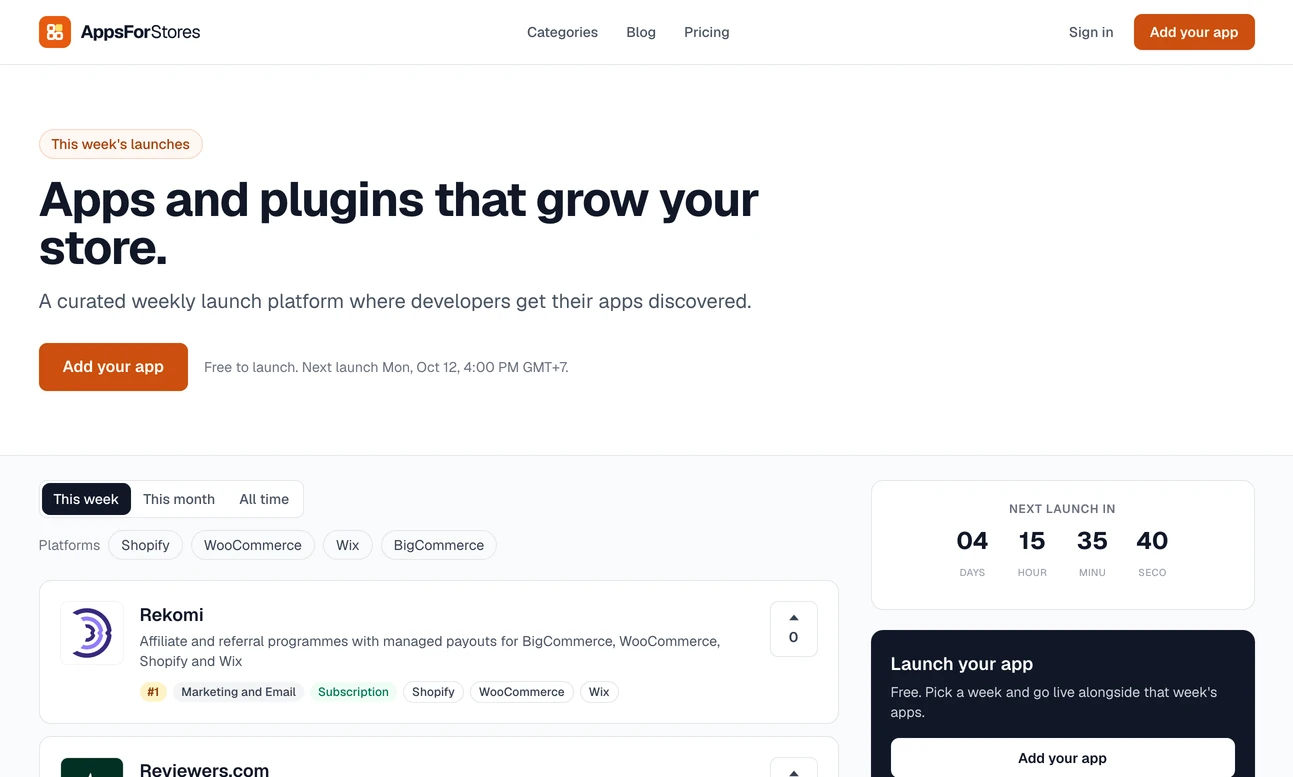
- LiveLocal Lab
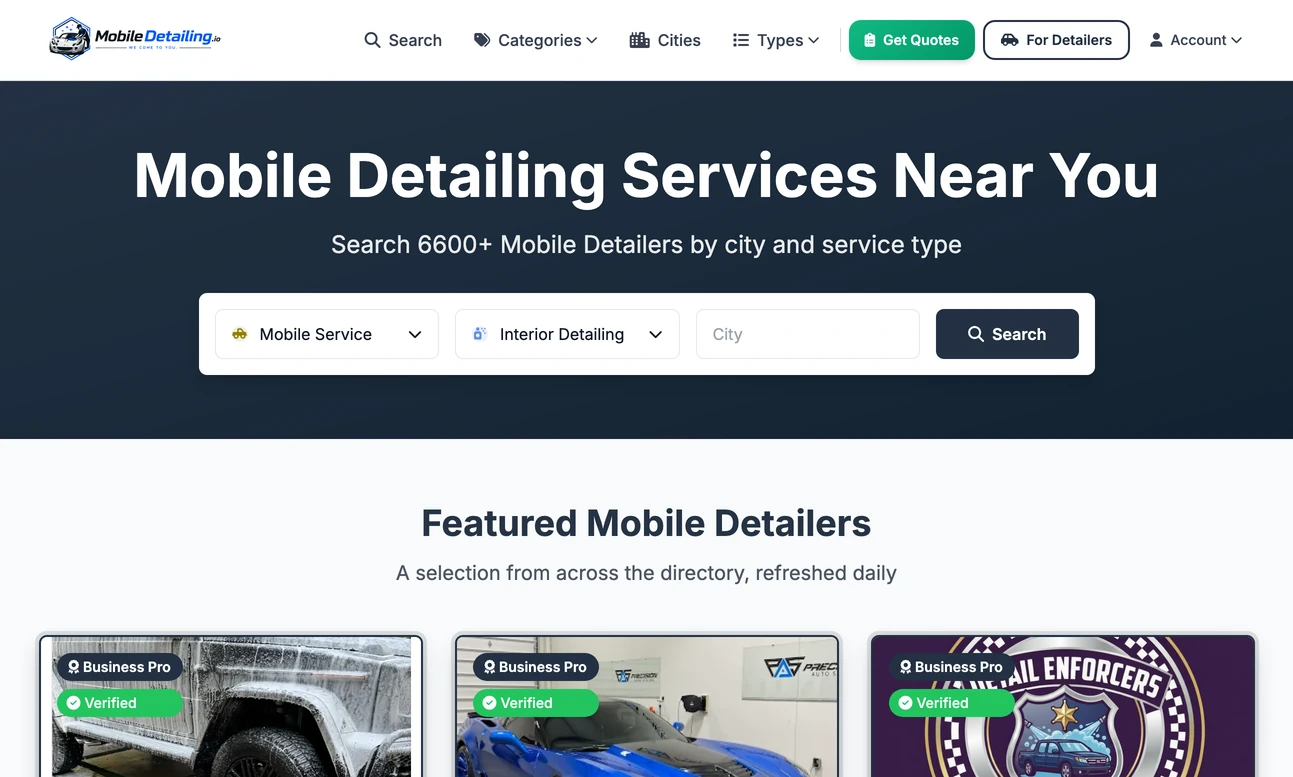
- LiveLaunch Lab
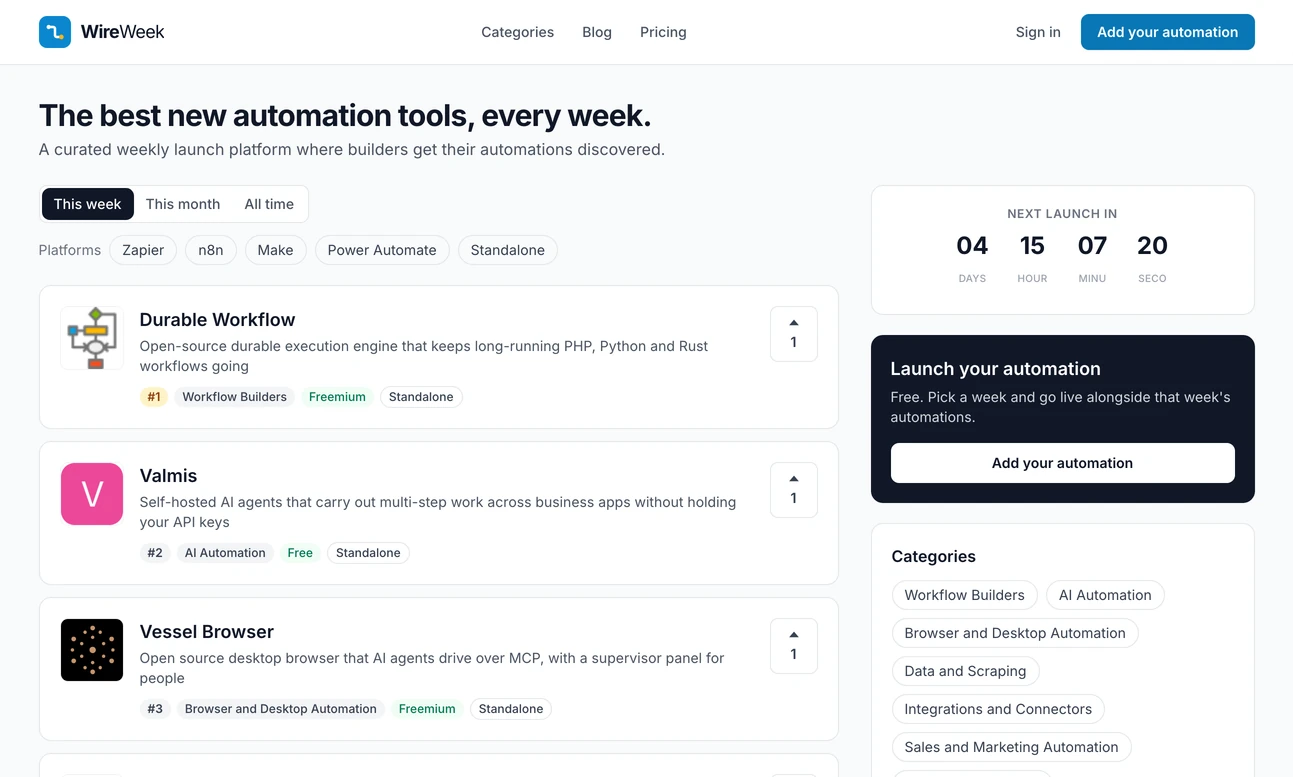
- LiveLocal Lab
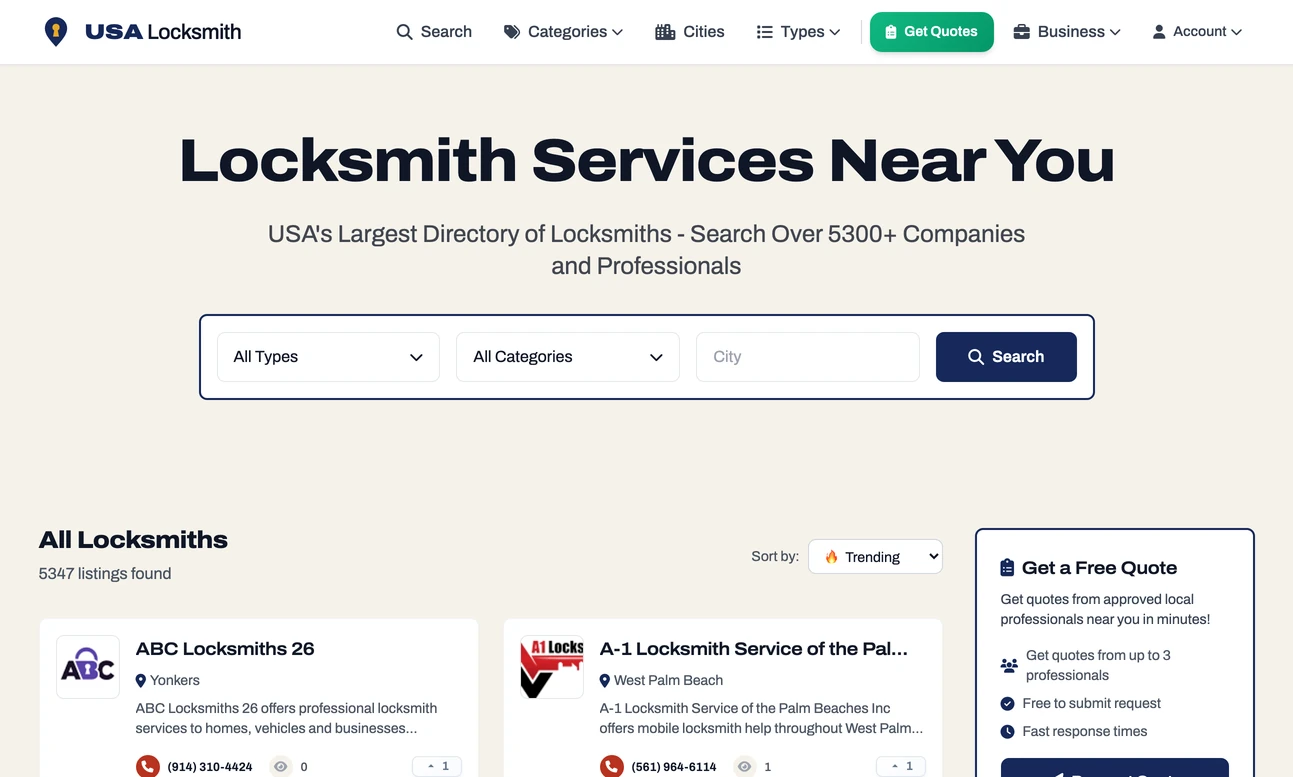
- LiveLocal Lab
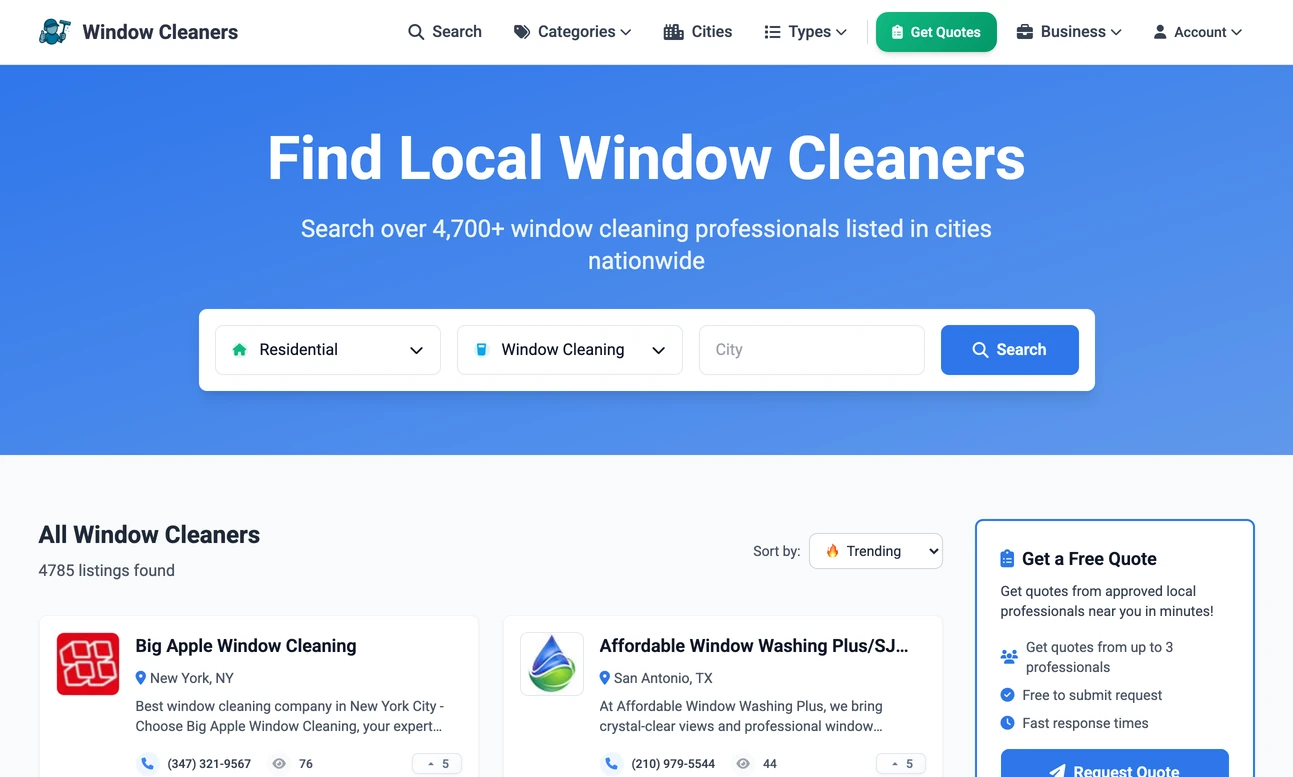
- LiveLocal Lab
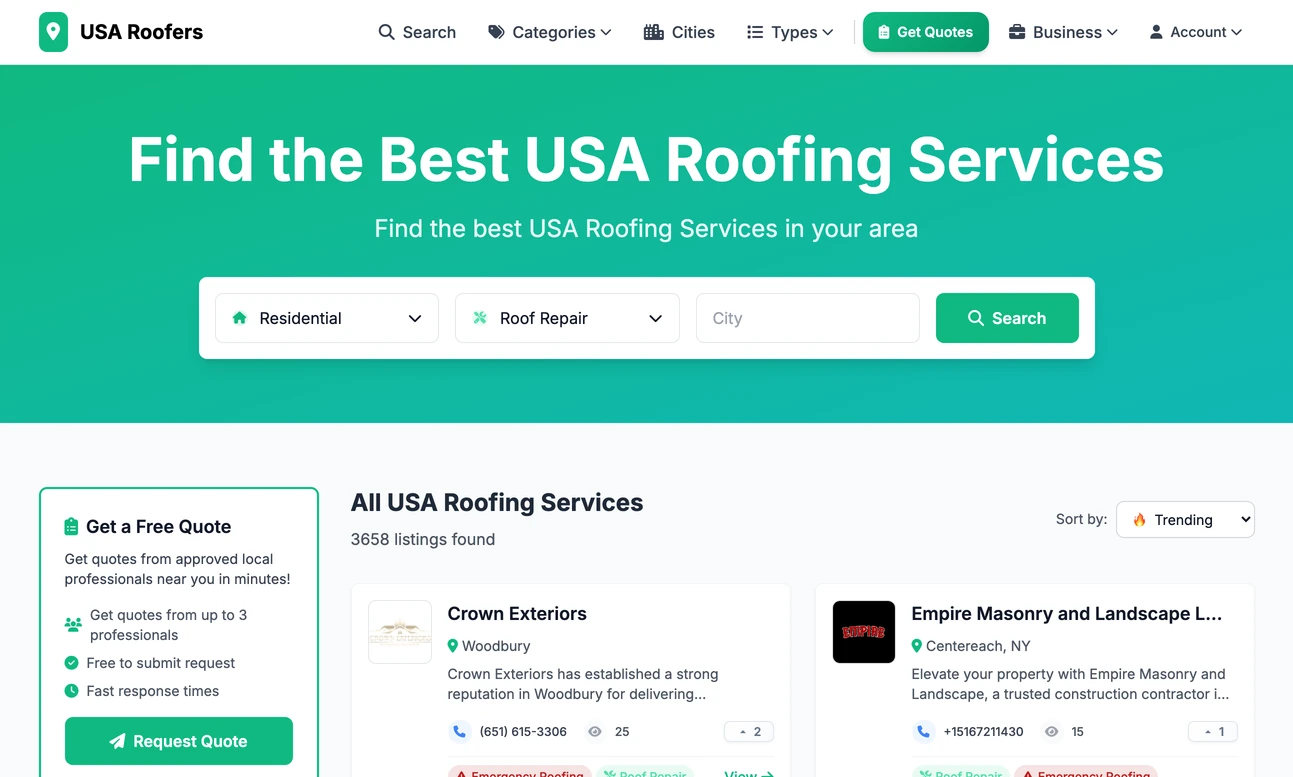
- LiveLocal Lab
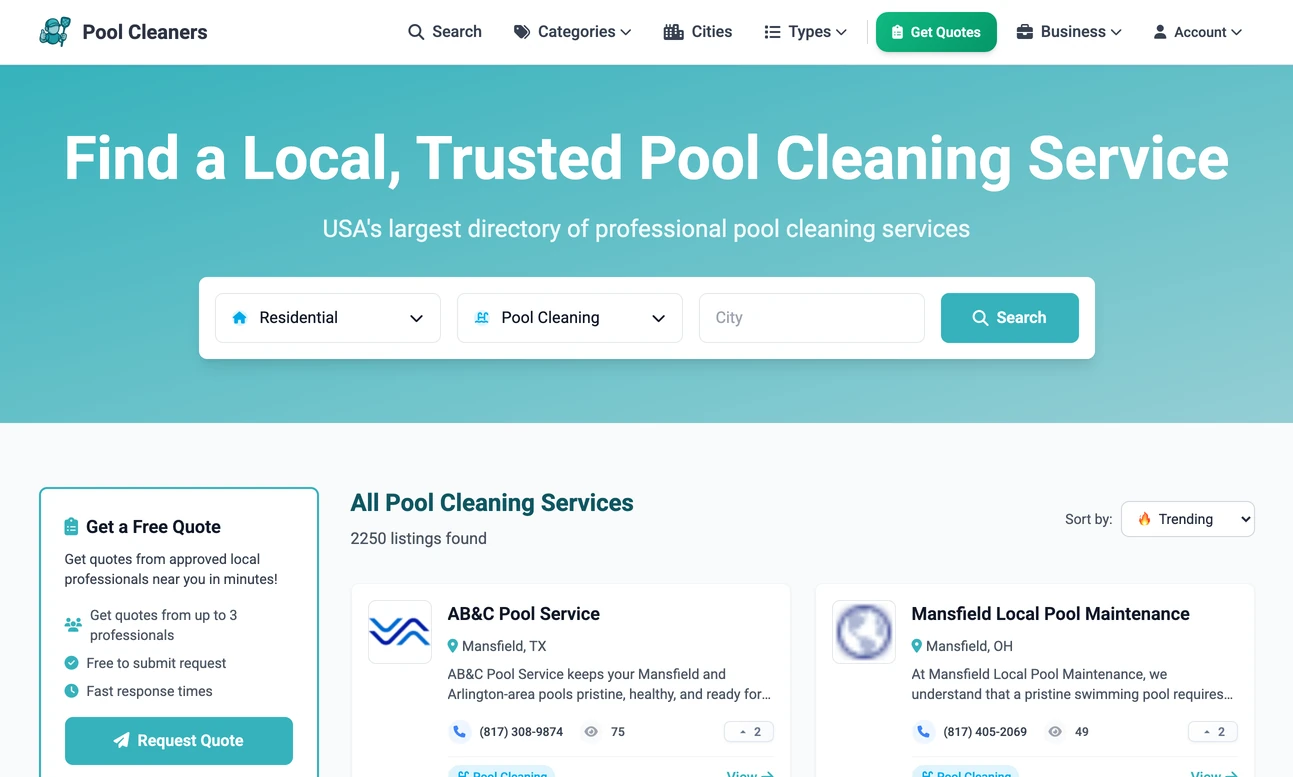
- LiveJob Lab
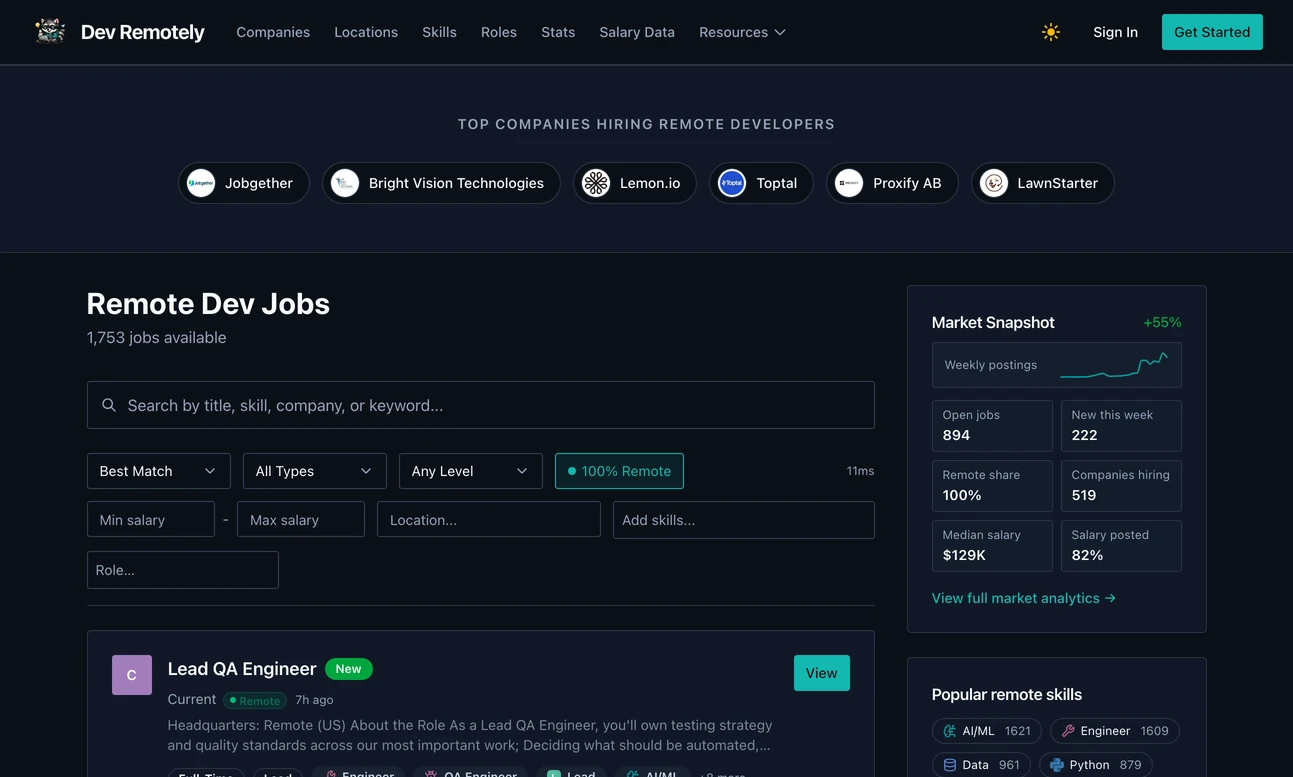
- LiveJob Lab
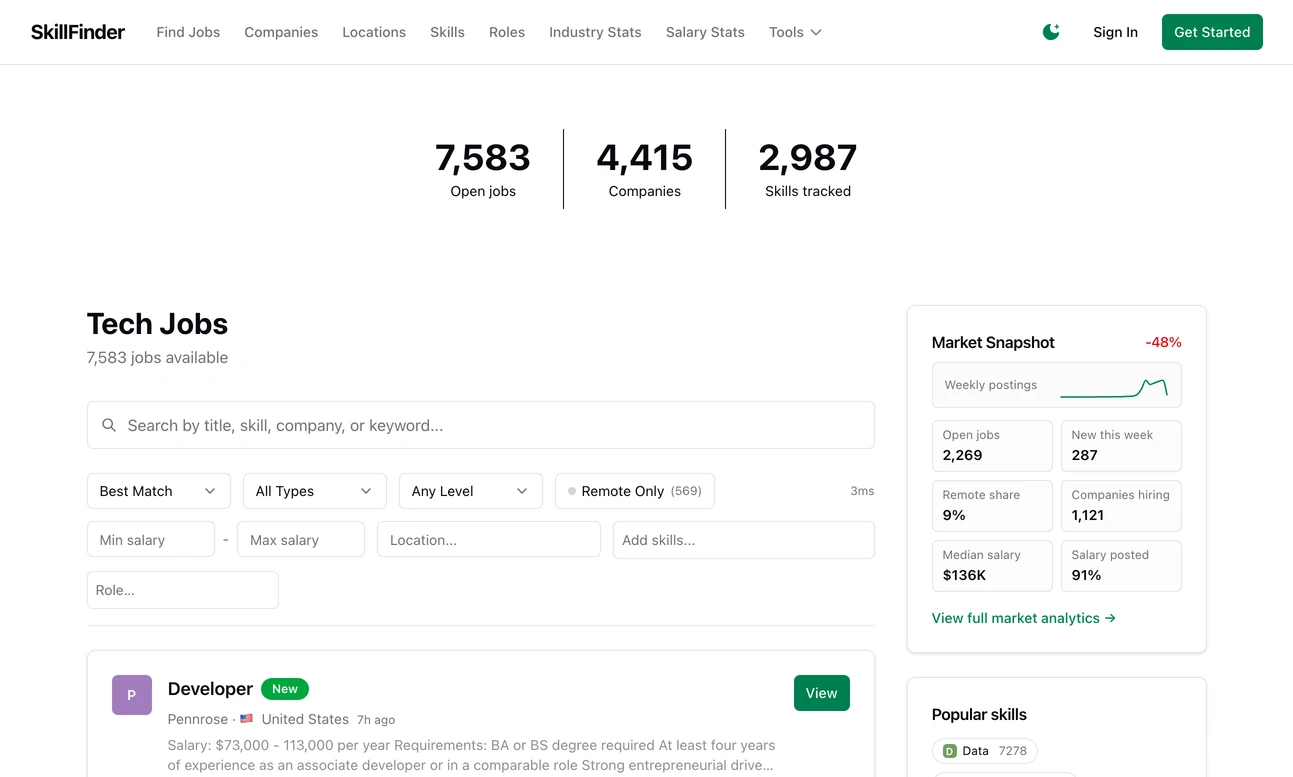
- LiveLaunch Lab
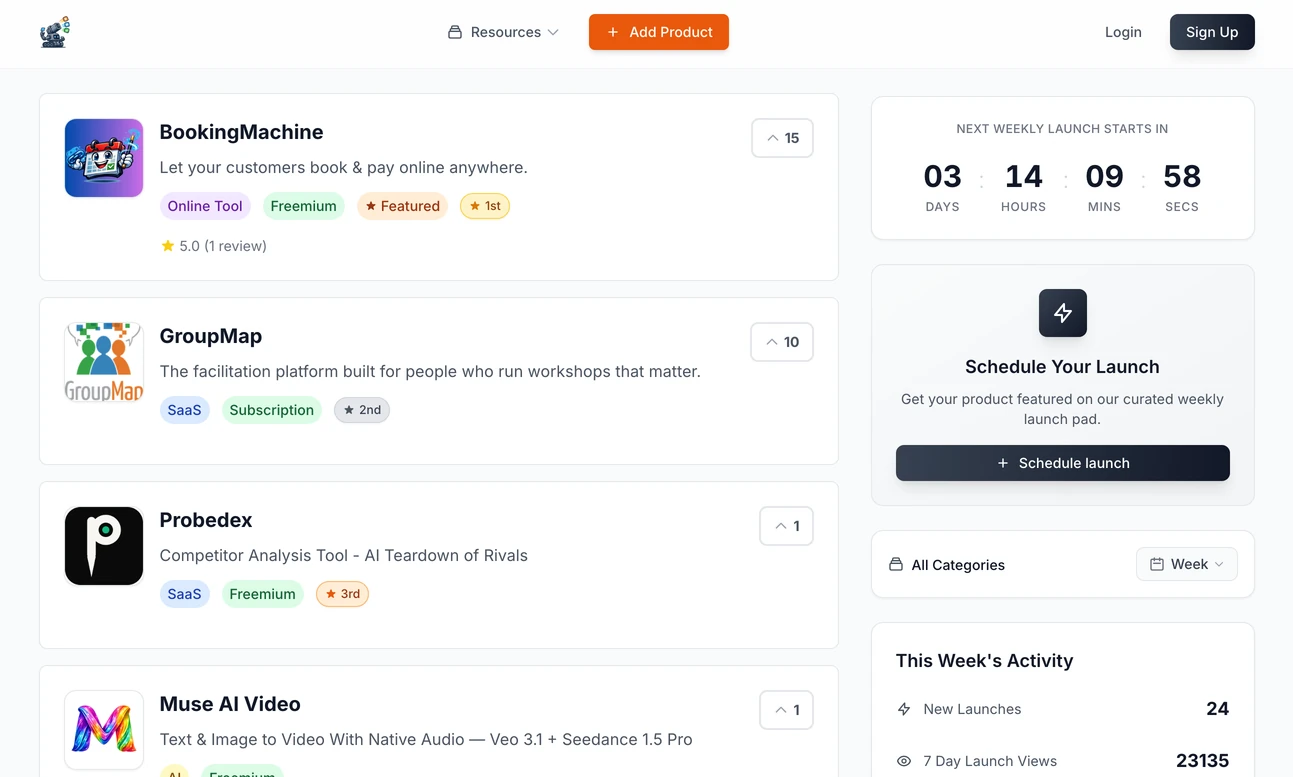
- LiveLaunch Lab
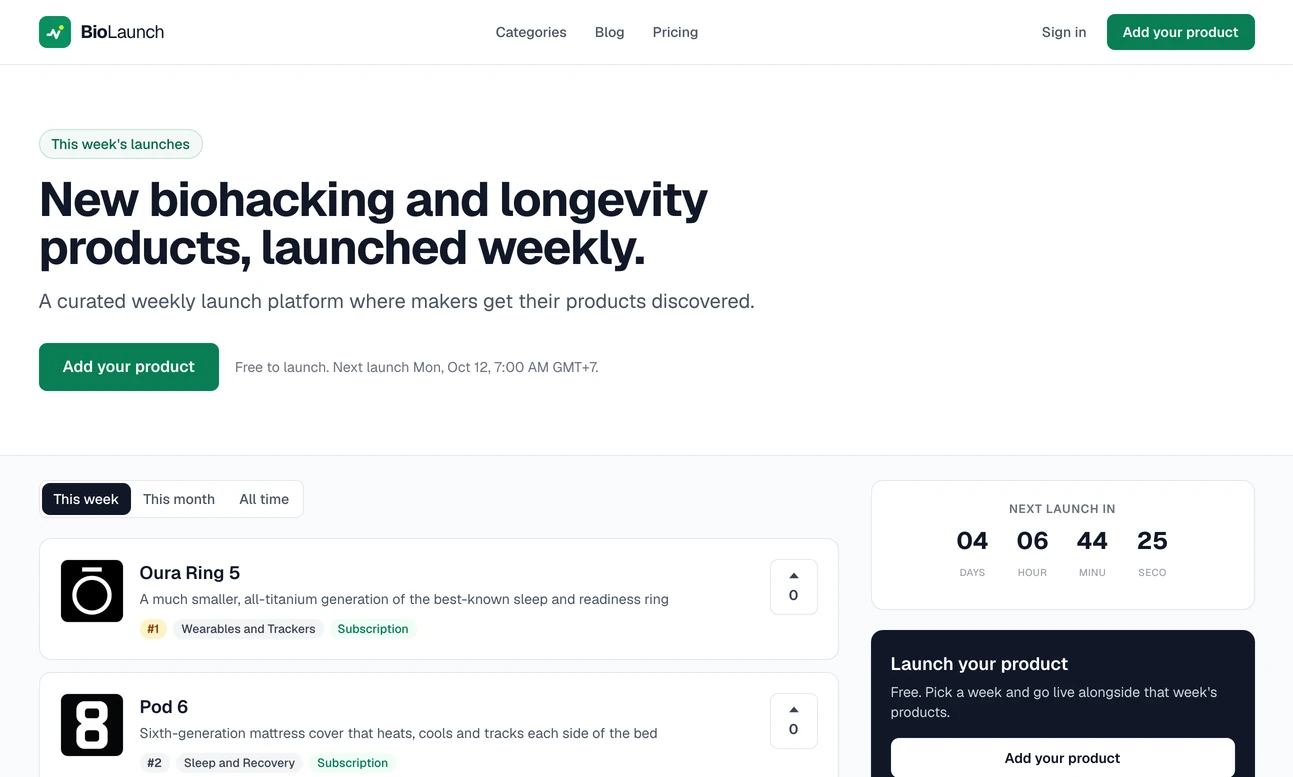
- LiveLaunch Lab
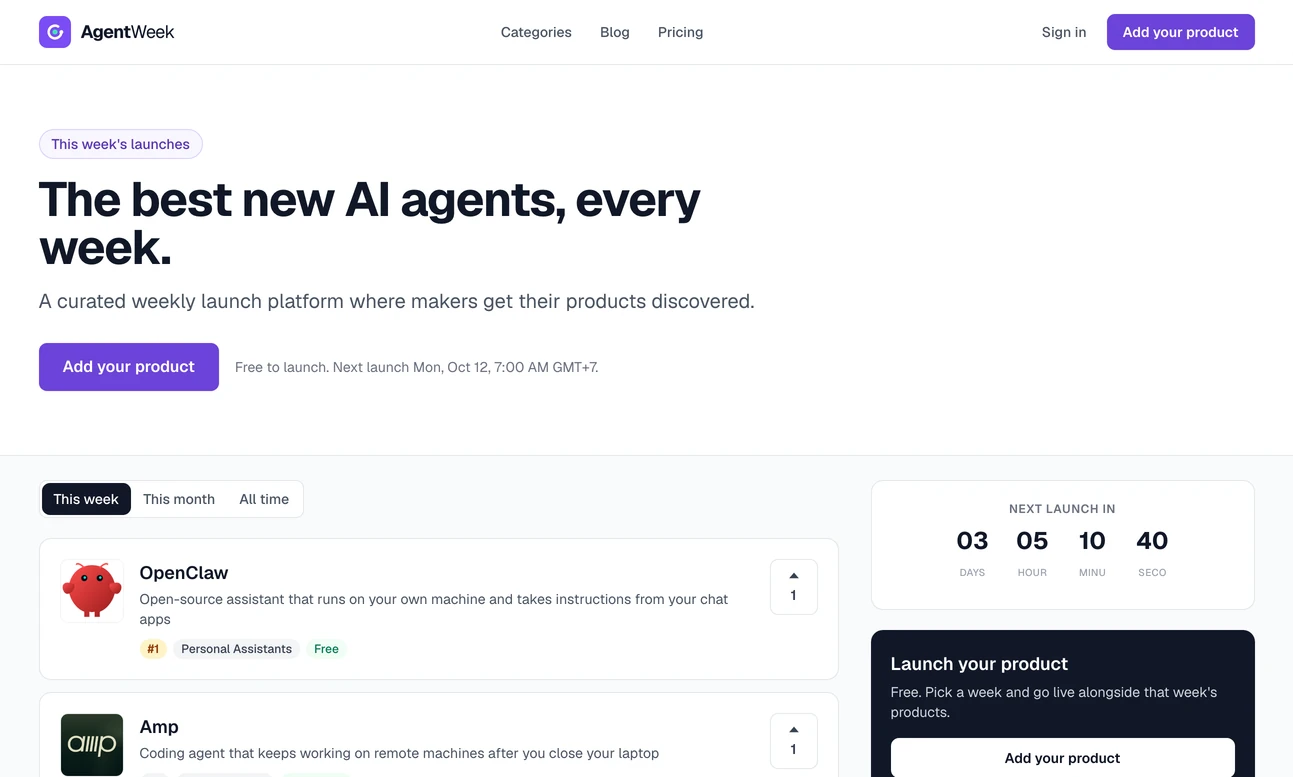
- LiveLaunch Lab