Docker
One image per kit, one container per site, a deploy script that rolls back.
All three kits ship a Dockerfile and a deploy script, and all three were written for the same shape of server: several sites on one box. Local Lab's script builds one image and starts one container per site, each with its own database in a shared PostgreSQL container and its own nginx server block. Job Lab's does the same with PostgreSQL, Redis, Meilisearch and MinIO beside it, giving each site its own database, Redis number, bucket and search index. Launch Lab's does it for Flask sites on SQLite with a snapshot before each update and a rollback if the new version does not come up.
Launch Lab also has the simplest path of the three: a Compose file with the app, a jobs runner and Caddy, which fetches and renews the HTTPS certificate itself, for one site on one server.
The deploy scripts install a nightly backup cron, cap each container's memory, run the app as a non-root user and answer a health check.
Worth knowing#
nginx runs on the host, not in a container, from a template the script fills in. Local Lab and Job Lab expect Cloudflare in front with an origin certificate by default; Local Lab can also use certbot.
Launch Lab's automatic HTTPS is the single-site Caddy path. The many-sites script uses nginx and certificates you place.
Launch Lab also runs on any Python host that can run Gunicorn, with one cron line from the admin.
Docker in 3 kits
- KIT 01Local service directories
Local Lab
as Docker + nginx
- HTTPS
- multi-site deploy
- nightly backups
- KIT 02Niche job boards
Job Lab
as Docker + nginx
- Cloudflare certs
- backups
- new-site script
Set it up - KIT 03Launch platforms
Launch Lab
as Docker + Caddy
- automatic HTTPS
- or nginx for many sites
Set it up
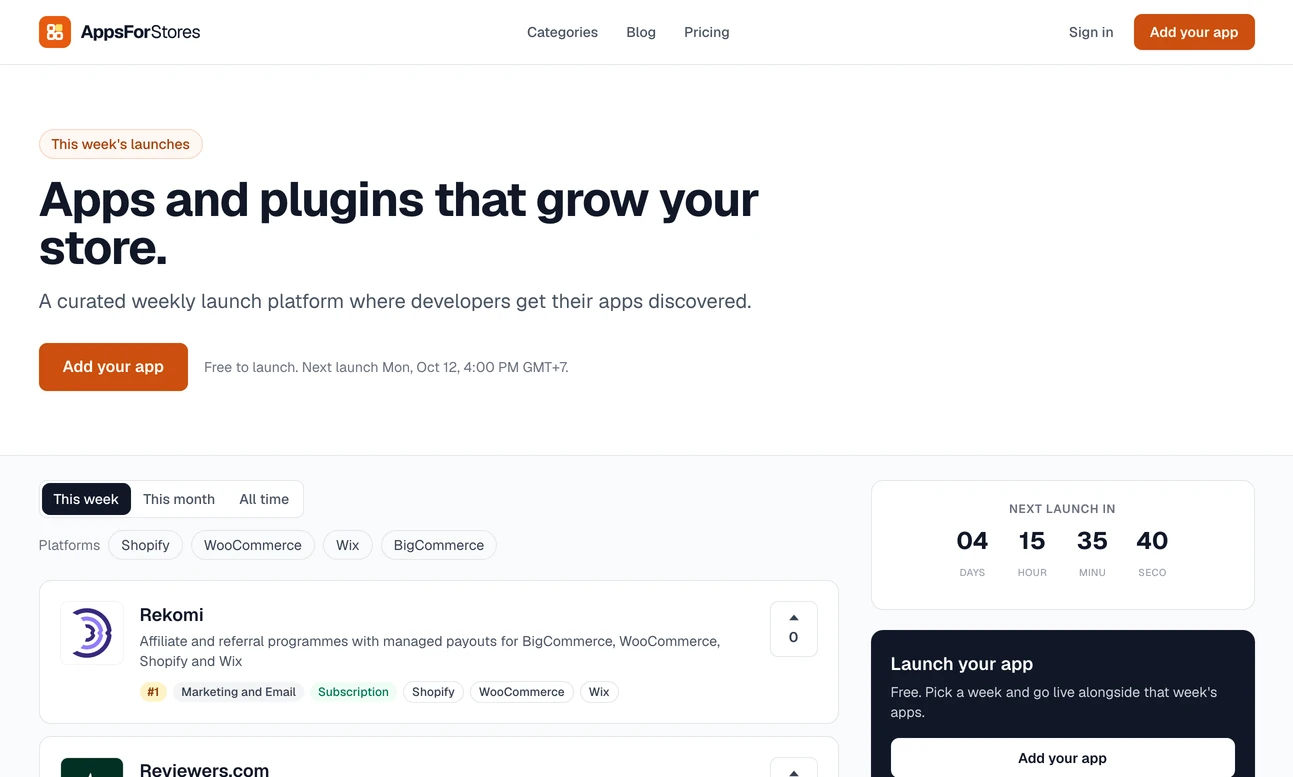
12 sites built with Docker
- LiveLocal Lab
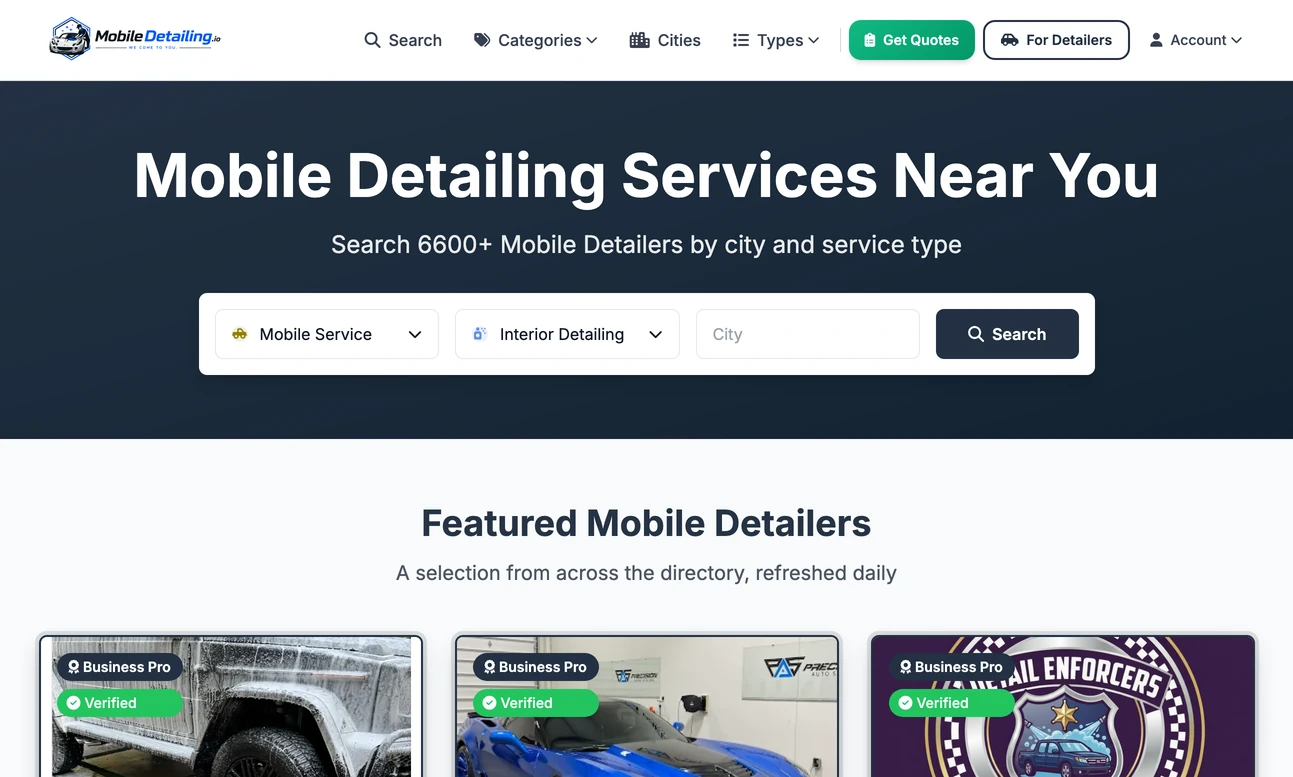
- LiveLaunch Lab
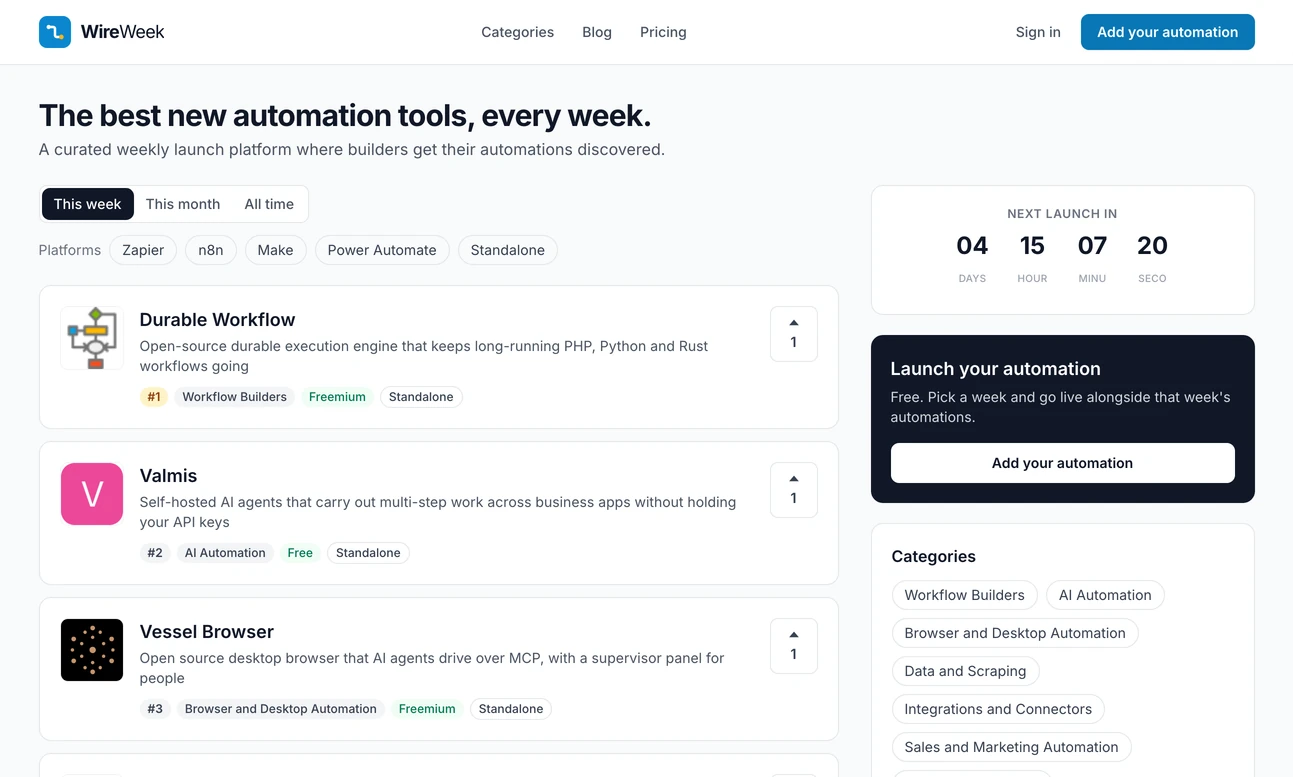
- LiveLocal Lab
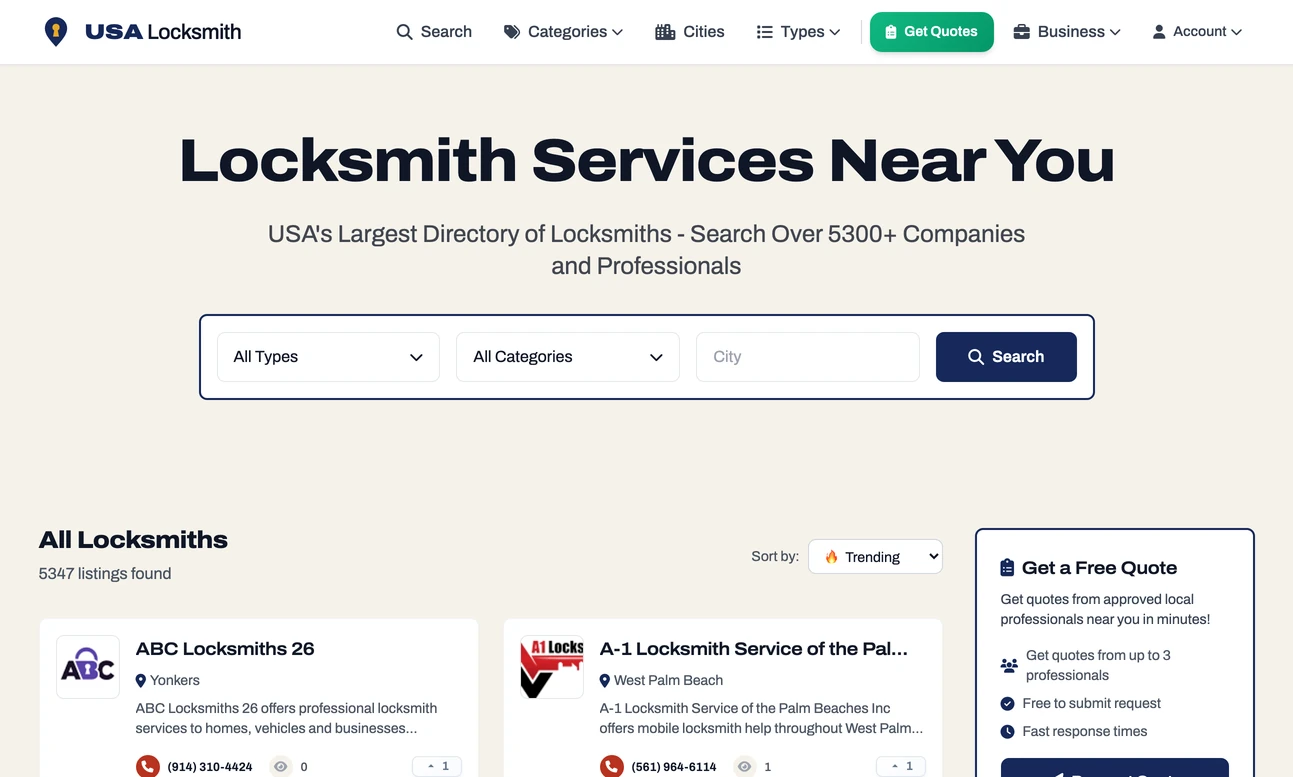
- LiveLocal Lab
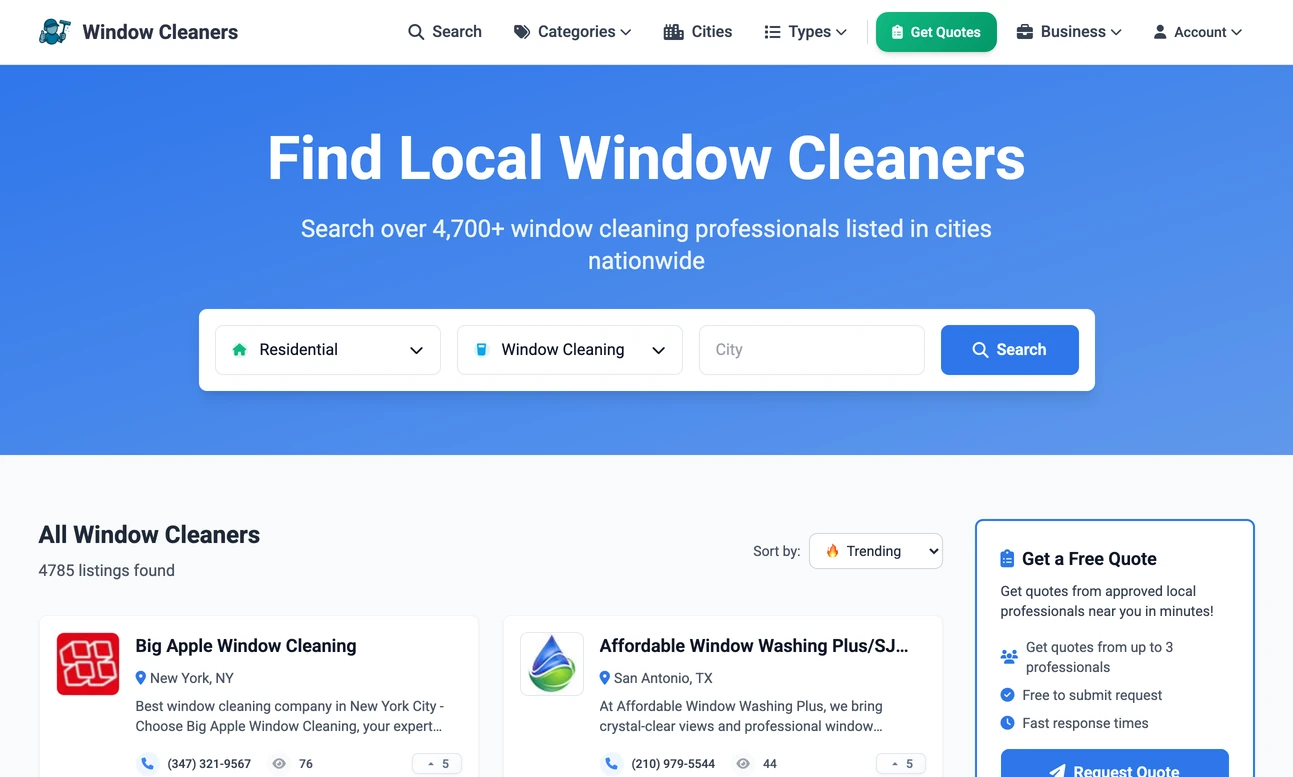
- LiveLocal Lab
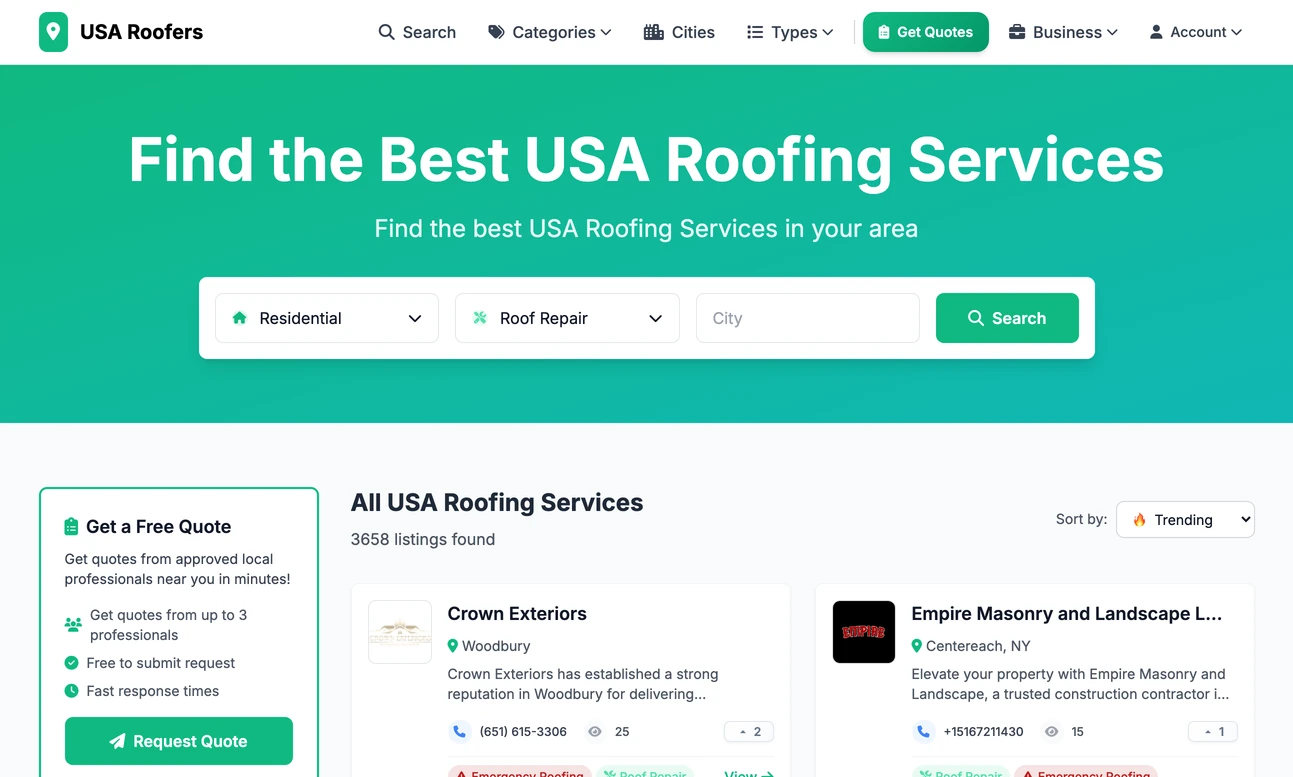
- LiveLocal Lab
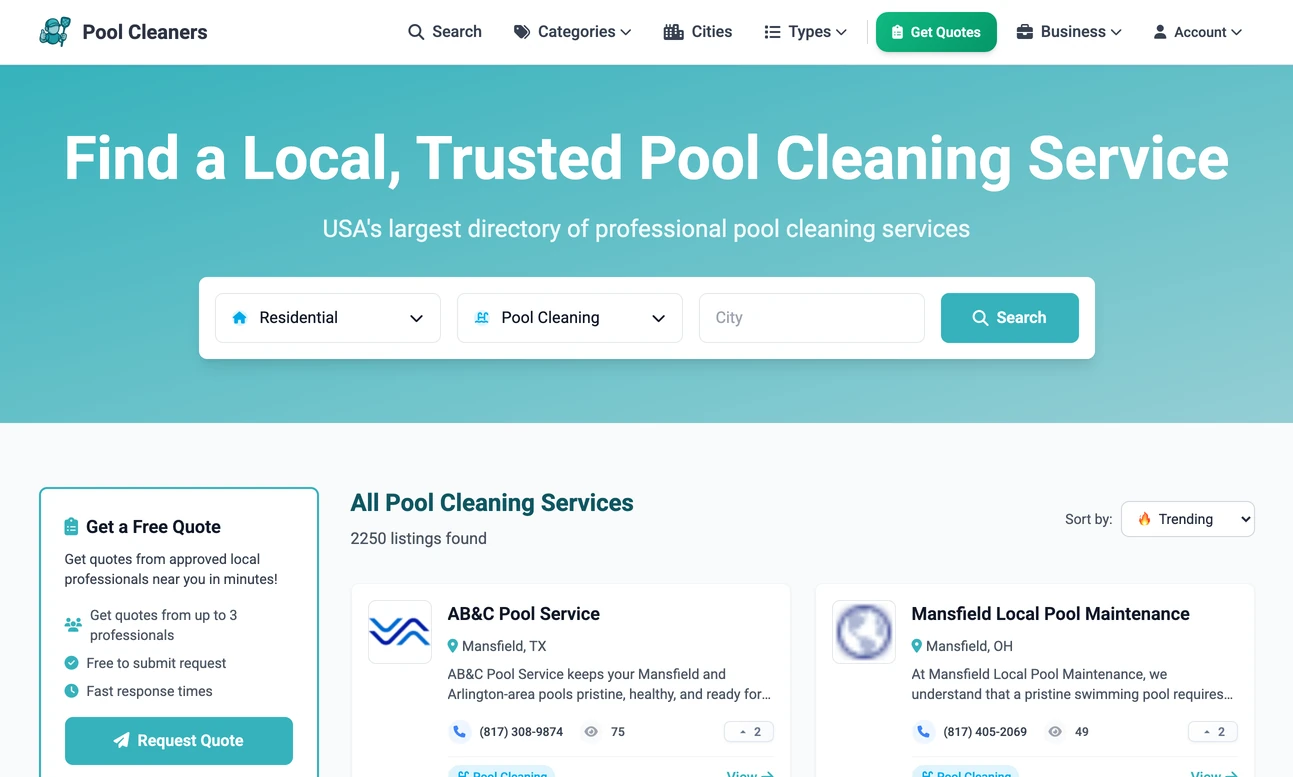
- LiveJob Lab
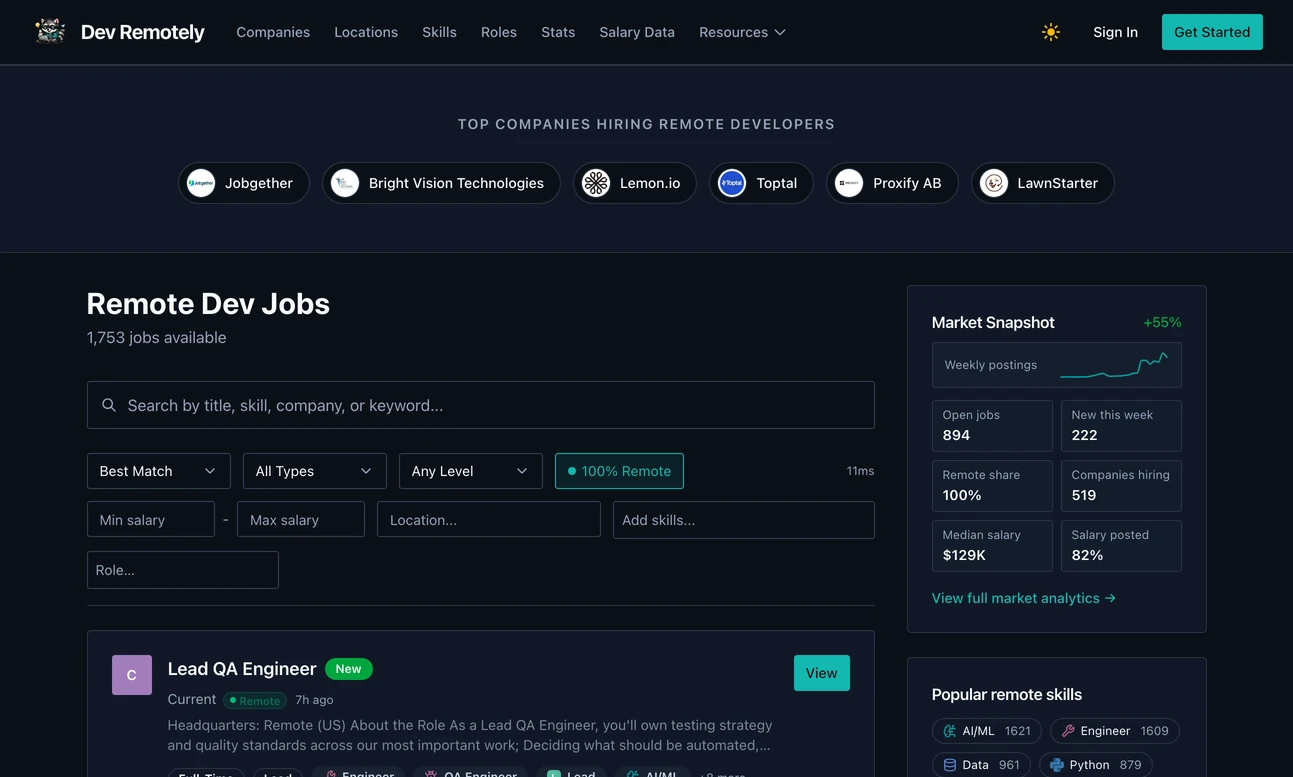
- LiveJob Lab
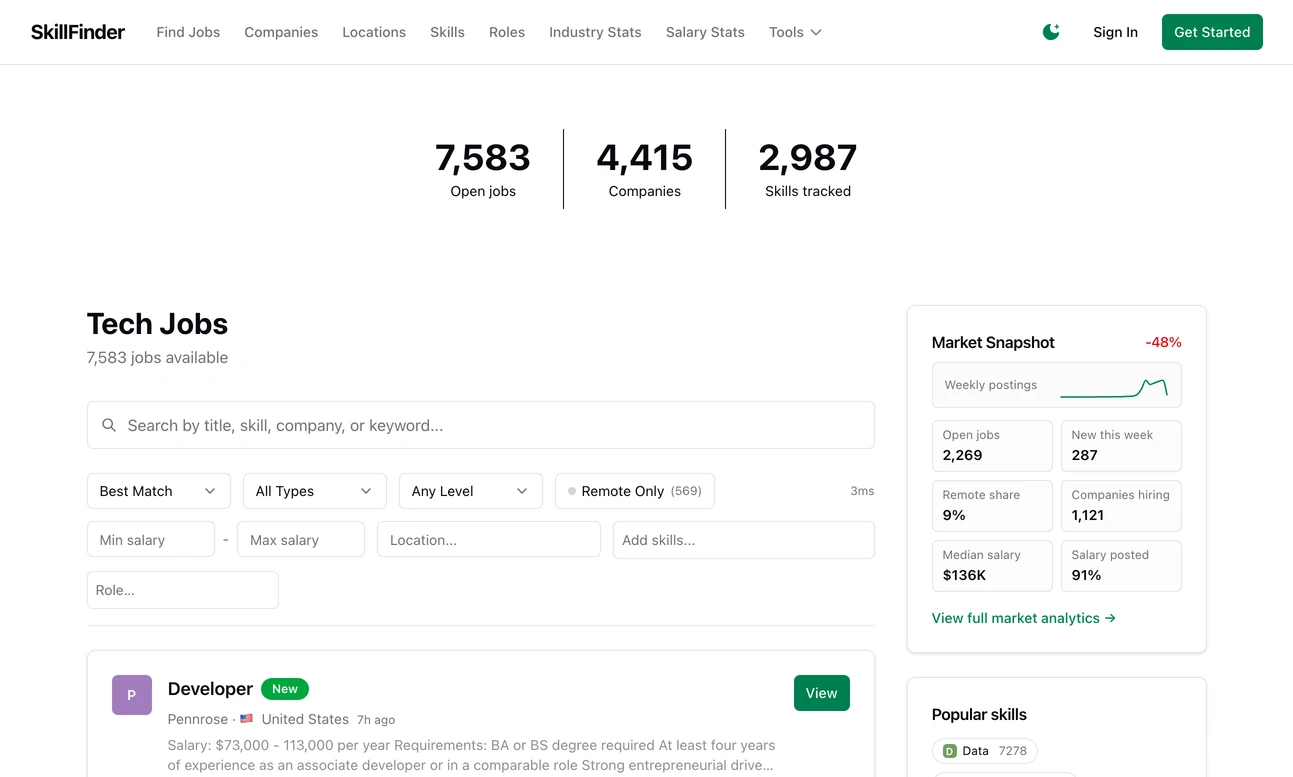
- LiveLaunch Lab
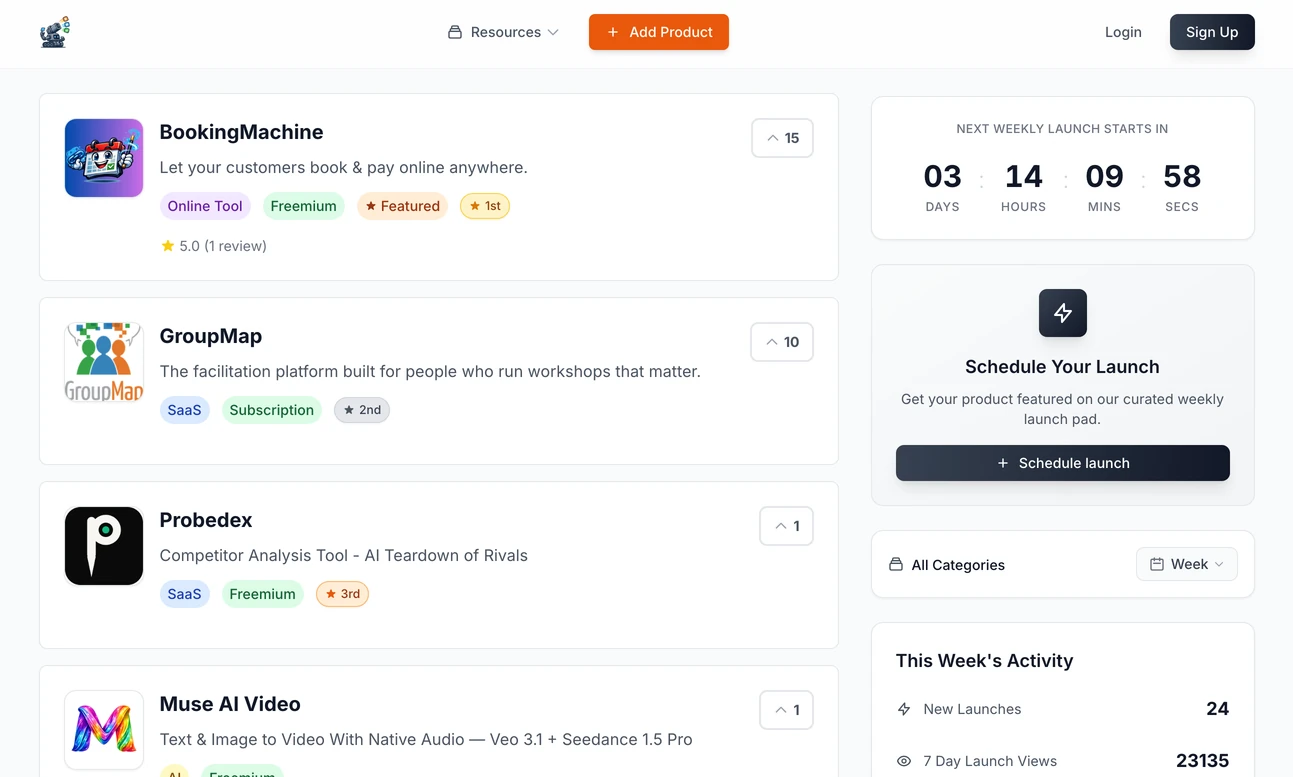
- LiveLaunch Lab
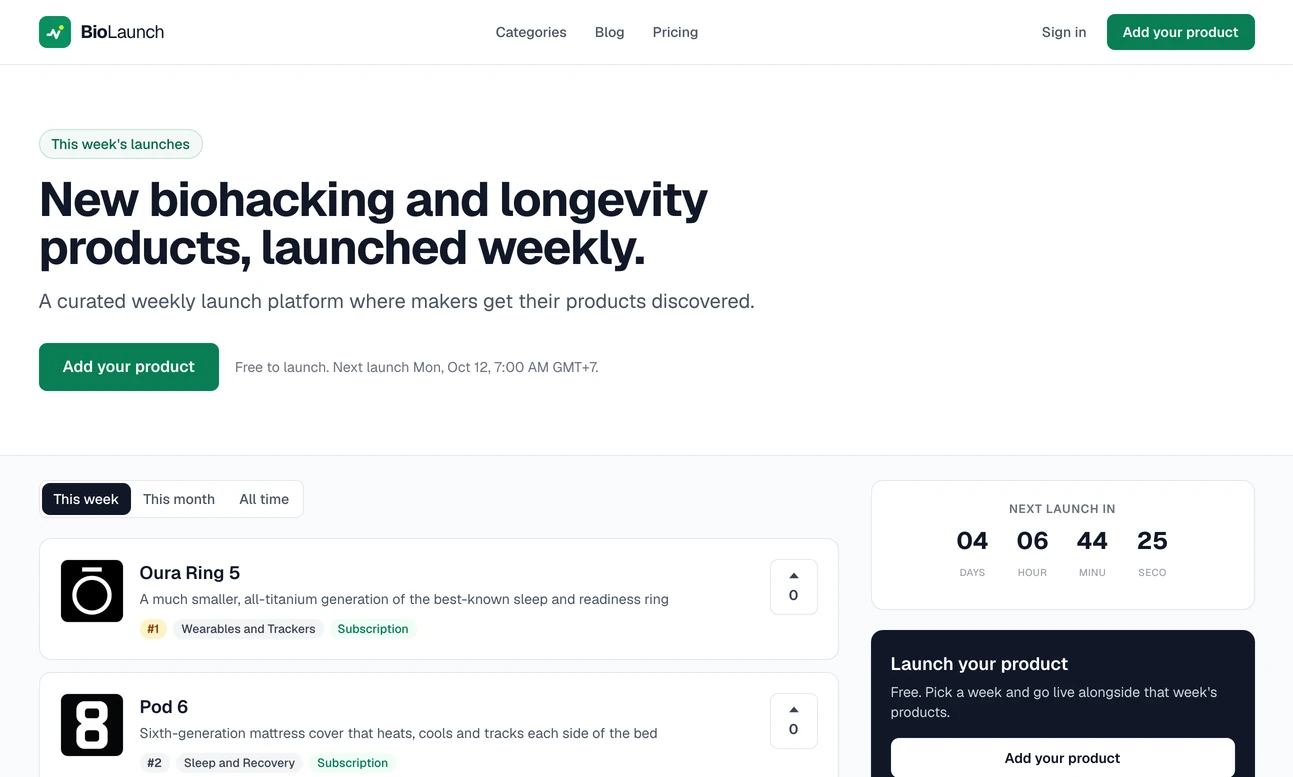
- LiveLaunch Lab
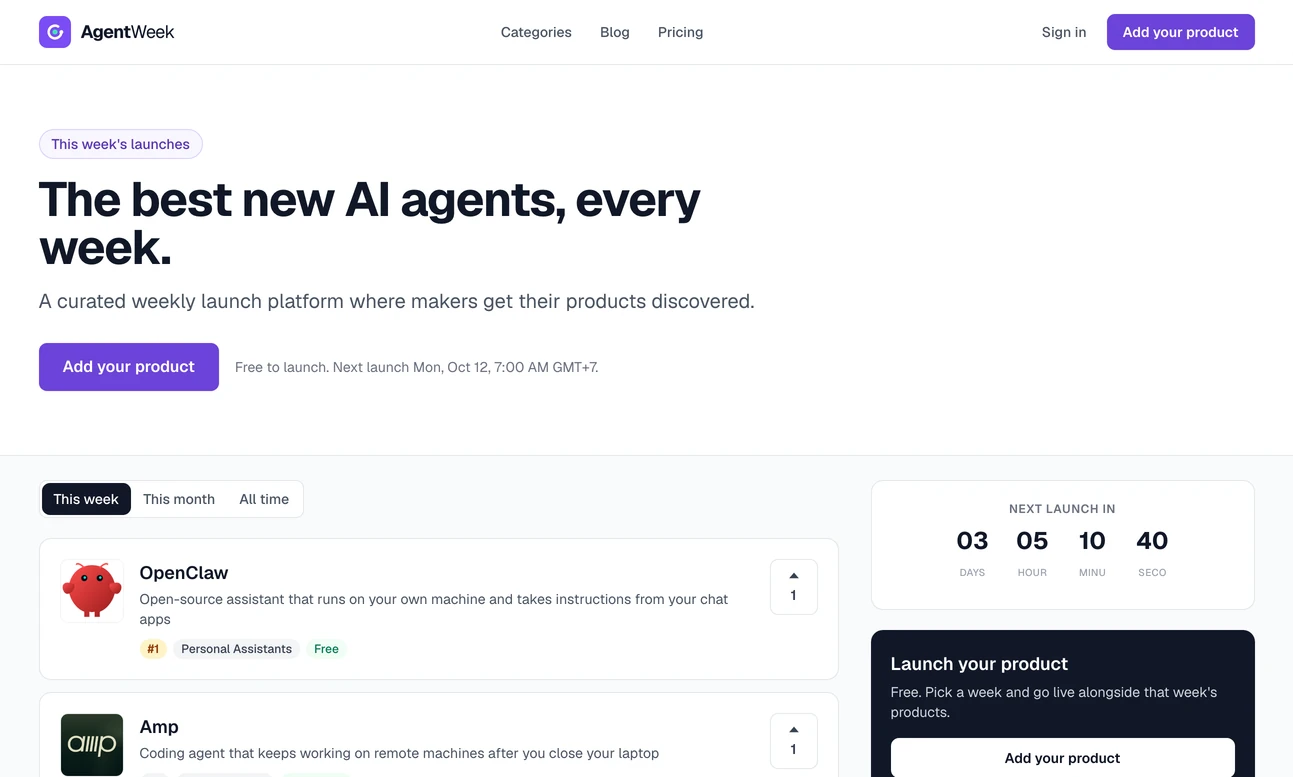
- LiveLaunch Lab